
Available File Transfer groups
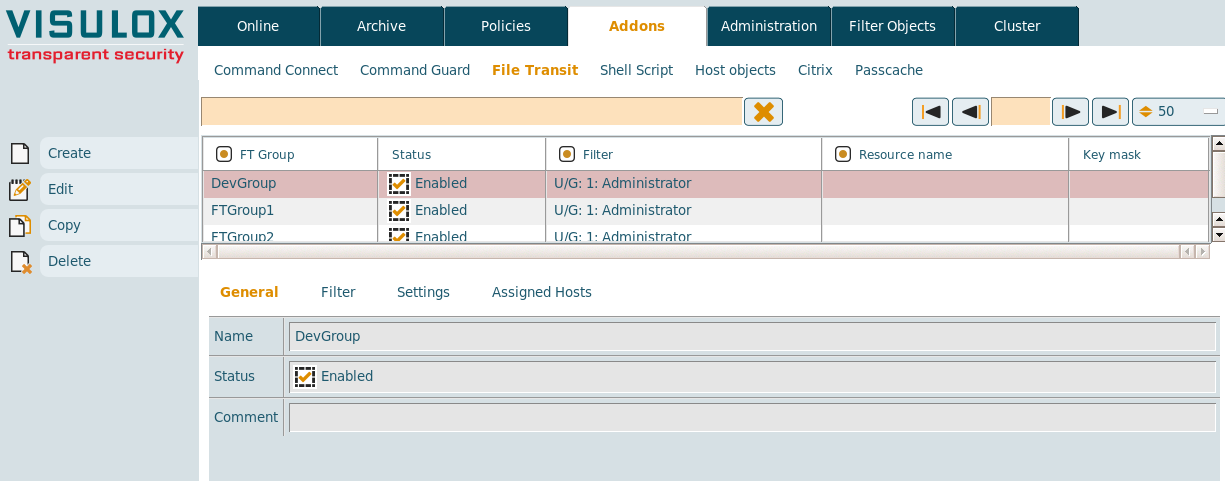
New File Transfer groups can be created and existing groups can be edited, copied or deleted.
General
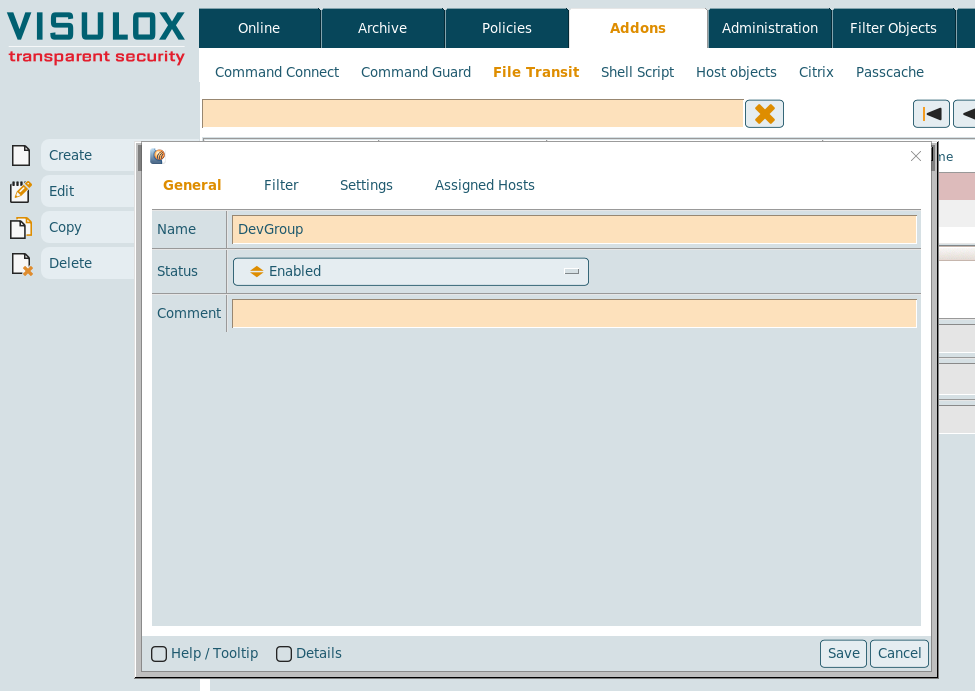
The name of the group and the status (enabled or disabled) has to be entered.
A comment for the group can be added as well.
Filter
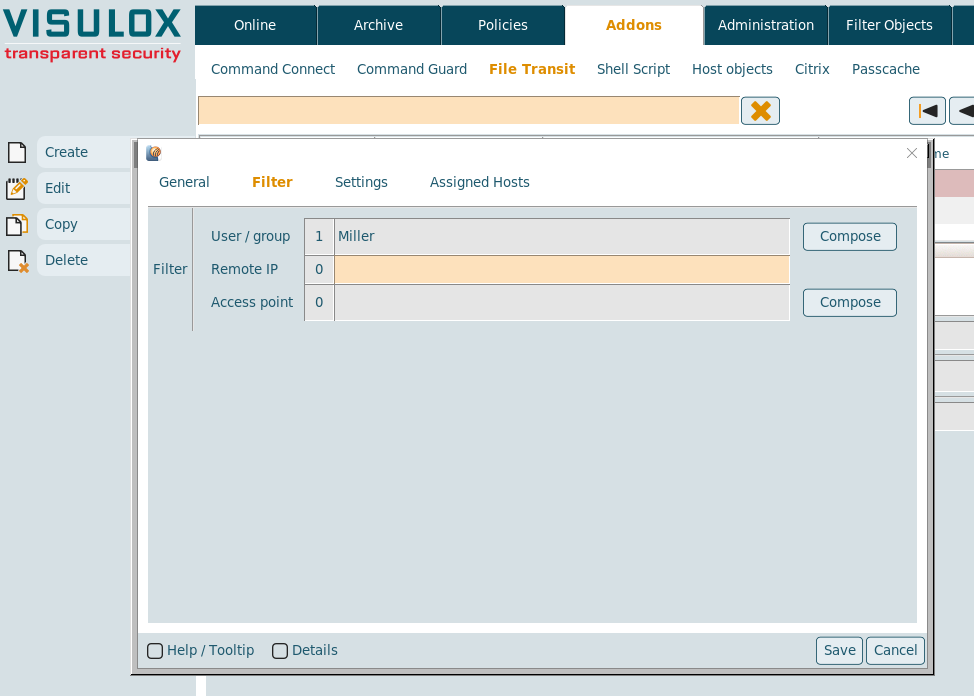
The filter for File Transfer groups can be set on user / group, the remote IP or the access point.
Settings
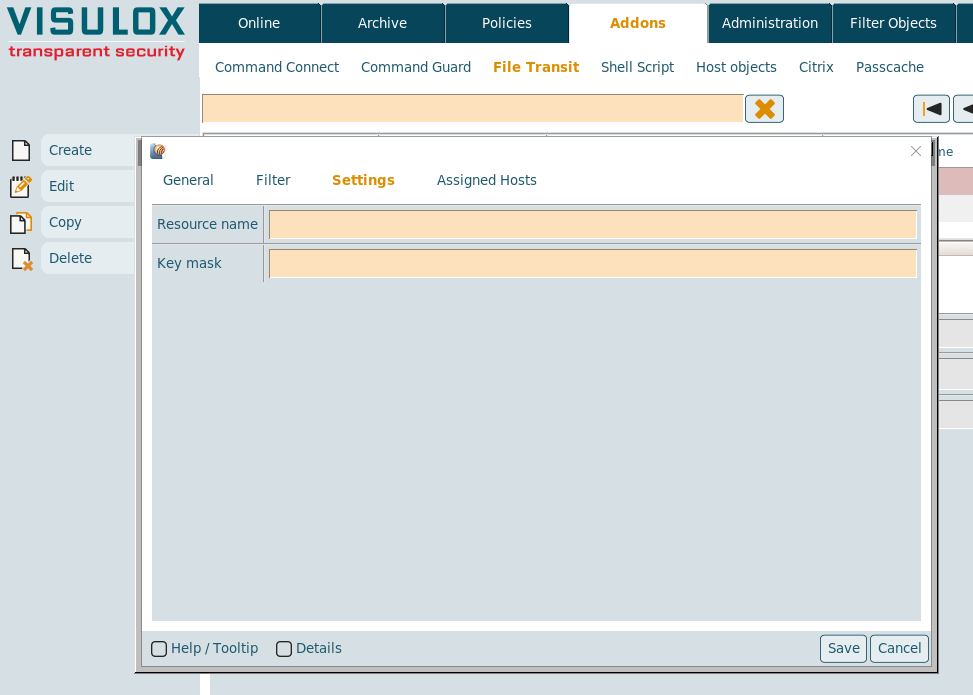
The resource name or a key mask for connections via SSH Key can be set.
Assigned hosts
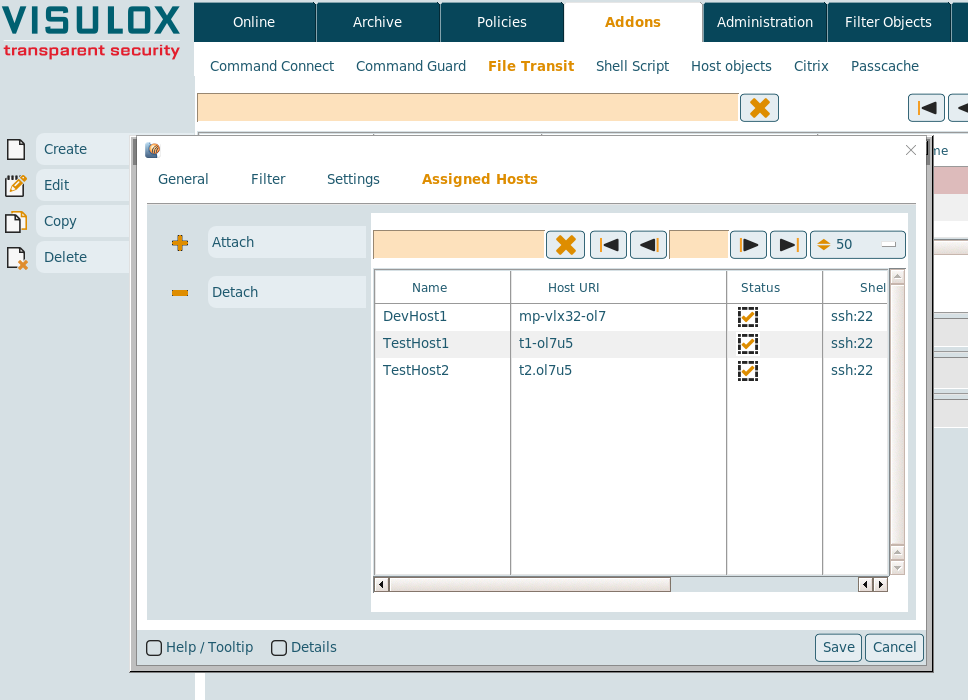
Host objects can be attached / detached from the File Transit group. (See also: Host objects)
Before hosts can be added to a new created group, the group must be saved once.