
An Application Policy can be built to detect keywords, a user is not allowed to enter.
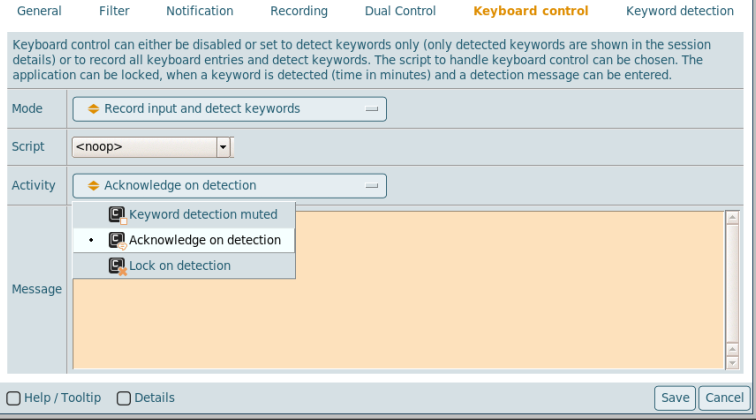
For the detection three modes are available:
-
Keyword detection muted
-
Acknowledge on detection
-
Lock on detection
When the session is locked, the user can just close the application and reopen it again. This new session will be unlocked.
In the keyword detection process a script can be inserted. Within this script the user and the application is known and the following command can be issued:
visulox policy access add -run -mode deny \
                   -object "$VLXOWNER" \
                   -application "$VLXAPPLICATION" \
                   -ticket "Sticky lock" \
                   -endtime "+30 days"
This will insert a new Access Policy, which blocks the user from reusing the application again in the next 30 days.