
On the login page information about the license and the remote IP address is presented.
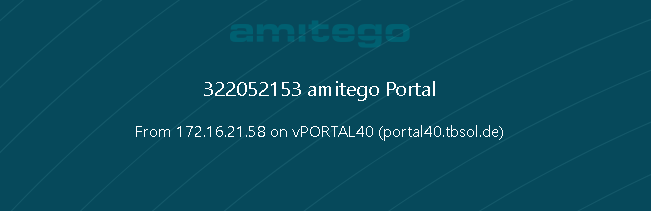
To hide this information one easy step is necessary:
visulox config edit -name portal.connection=""
Example for displaying the VISULOX GATEWAY:
visulox config -name portal.connection="From %RIP% via GW%GWIPLAST% to %NODE%"