
In VISULOX mailinggroups can be created, that can be used in other components, where mails have to be sent.
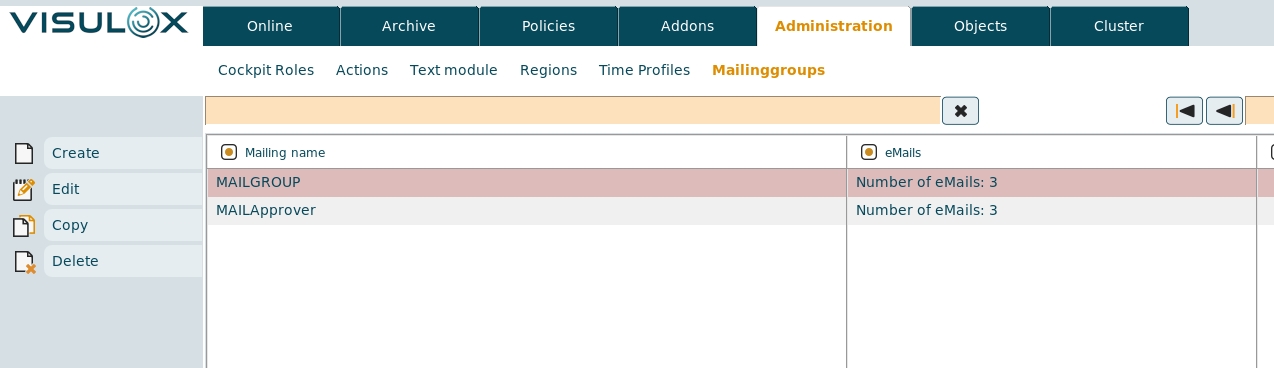
These mailinggroups are setup in VISULOX Cockpit / Administration / Mailinggroups.
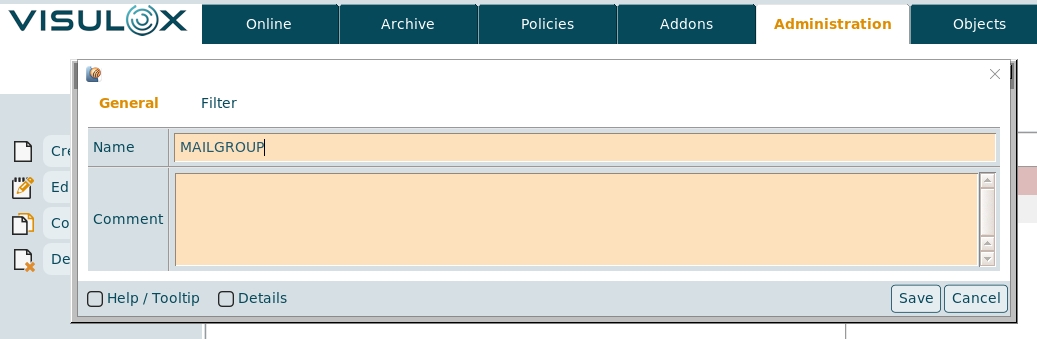
The name and a comment for the mailinggroup can be set:
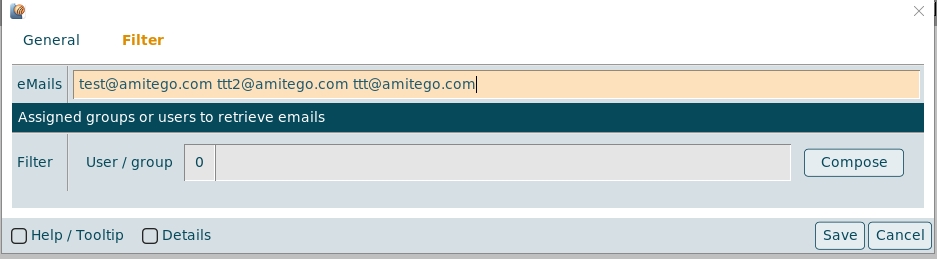
eMails can be entered either manually or selected from the existing users via the Compose button:
Once the mailinggroup is created it can be selected and used in other VISULOX components.
For example: Access Policy
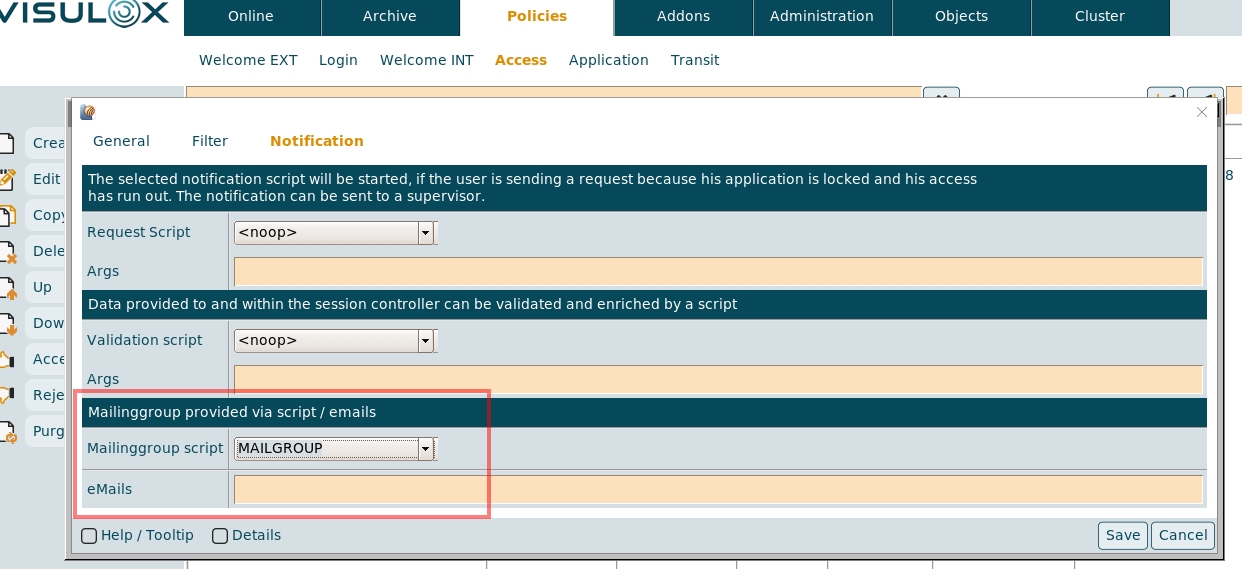
In the Access Policy the created mailinggroup can be selected and / or an individual list of email addresses can be entered.
If an Access Request is triggered, the following event variables are provided:
-
VLXMAILINGGROUP_UUID
-
VLXMAILINGGROUP_EMAILS
The names, the UUID or other LDAP groups can be passed on to the mailclient.
date | ./mailclient.tcl -file stdin -mg $VLXMAILINGGROUP_UUID -to $VLXMAILINGGROUP_EMAILS
With the -mg parameter the individual email addresses of the mailinggroup and the deposited user emails of configured LDAP groups are collected.
The -to parameter is optional.
At the end, all e-mails are checked for syntax and duplicates are removed.
If no -to and no -mg is set, the default value from the configuration will be used.