

Available Command Guard groups
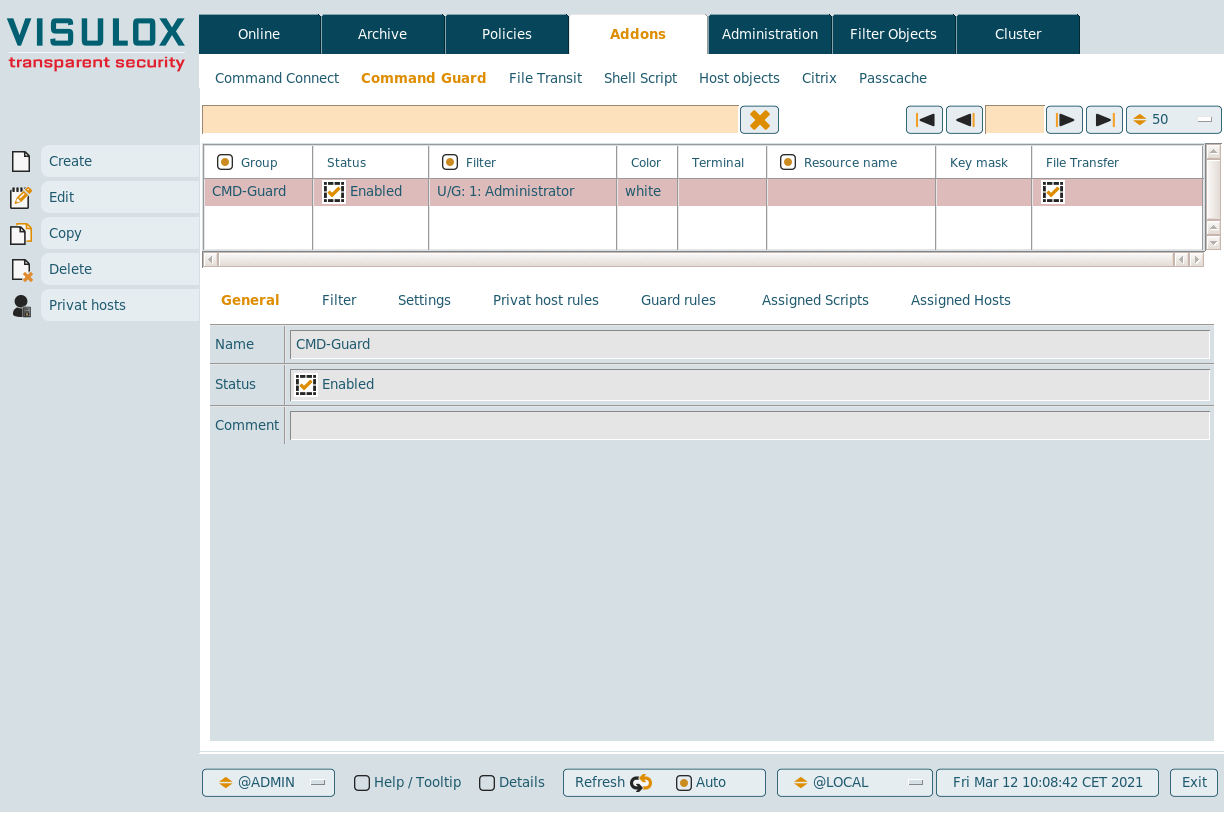
New Command Connect / Guard groups can be created and existing groups can be edited, copied or deleted.
If users have added private hosts, they can be displayed for the selected group with the Private hosts button.
General
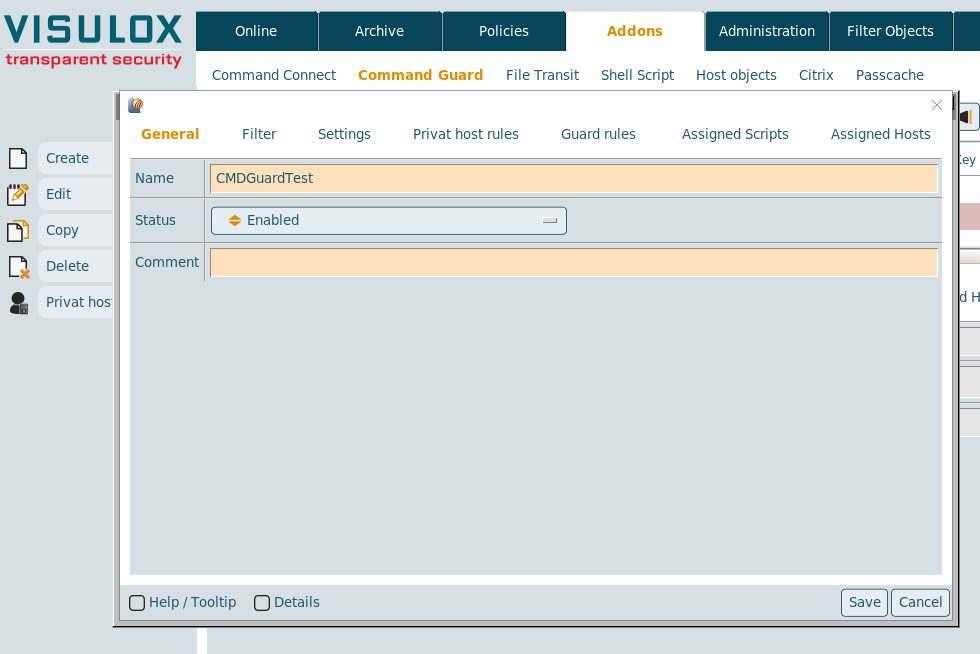
The name of the group and the status (enabled or disabled) has to be entered.
A comment for the group can be added as well.
Filter
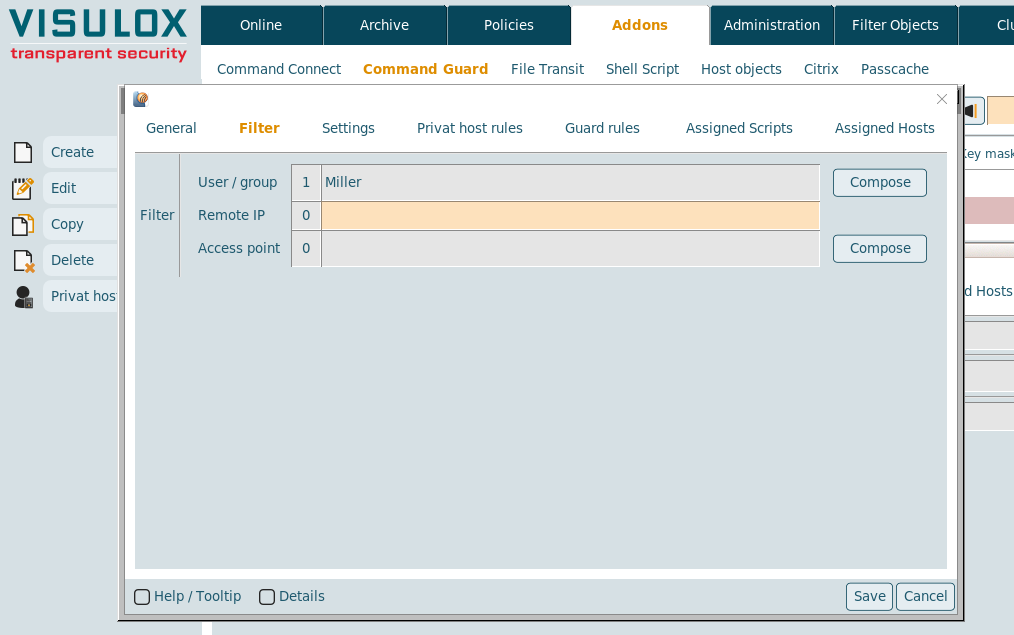
The filter for Command Connect / Guard groups can be set on user/groups, the remote IP or the access point.
Settings
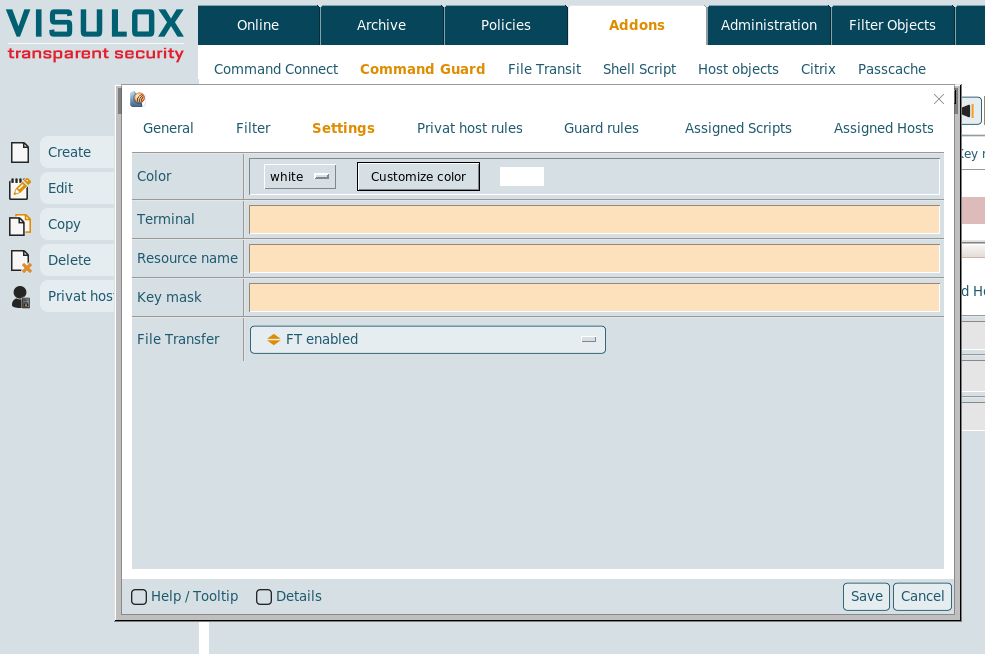
The color for the shells can be chosen and the term variable can be set. If term is set, it is provided via SSH to the remote host session. The default terminal is xterm in Telnet and SSH sessions. If the remote host does not support this terminal type in the xterm, the terminal can be overwritten with the Terminal setting.
The resource and the keymask for connections via SSH Key can be set and File Transfer can be enabled or disabled for this group.
If an owner is set for the resource, the owner must be set also for Command Connect in the ressource name field: <resource-name>%OWNER%
Private host rules
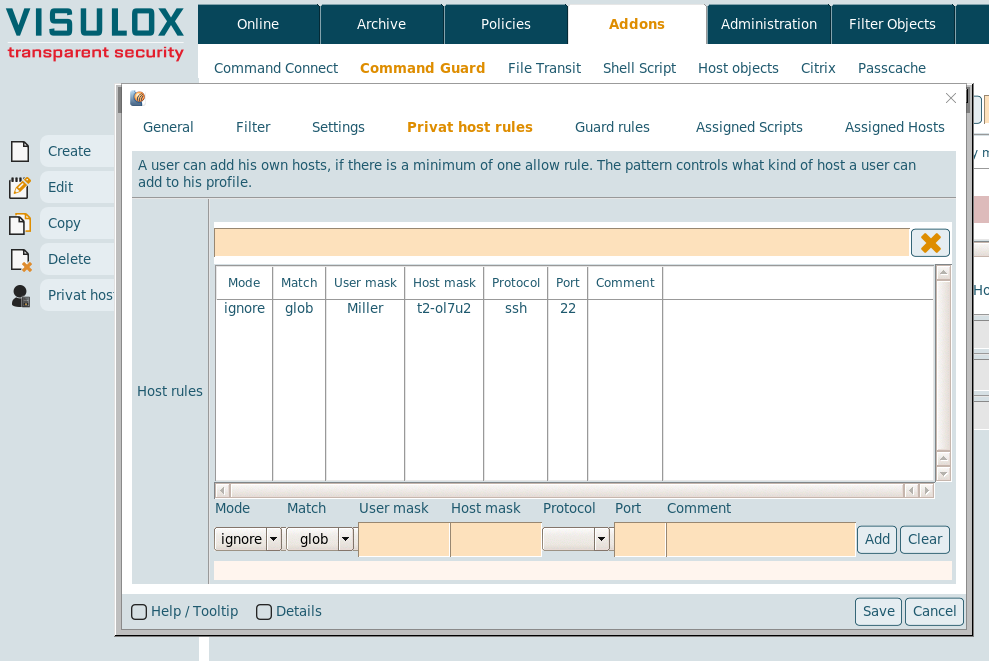
If at least one allow rule is configured, the user can add hosts by himself based on the rules entered here.
-
Mode: The mode of the rule can be chosen: ignore, allow or deny
-
Match: The matching mode of the rule: glob or regexpr
-
User mask: User mask for the connection
-
Host mask: Host mask for the connection
-
Protocol: SSH or Telnet
-
Port: The port for the connection
-
Comment: Optional comment
Guard rules (Command Guard only)
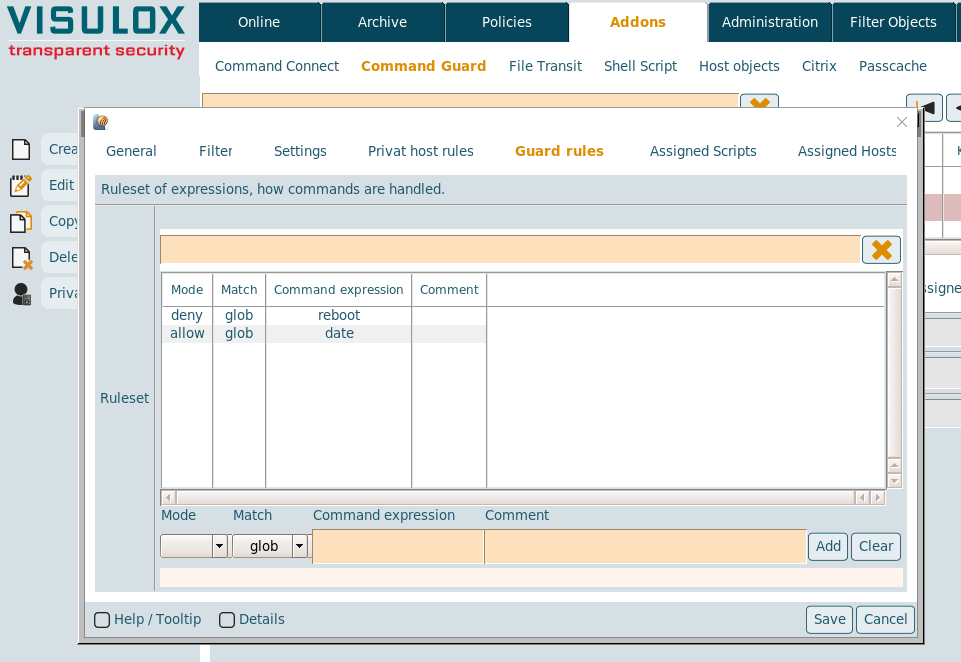
Guard rules are available only in Command Guard. with these rules commands in the shells can be allowed or denied.
-
Mode: The mode of the rule can be chosen: ignore, allow or deny
-
Match: The matching mode of the rule: glob, regline or regexpr
-
Command expression: The command itself
-
Comment: Optional comment
Rule / pattern definition
The allow / deny rules are based on a regular expression. Applied line by line, exit on first match.
Regular expressions are helpful for complex pattern recognition. If the expressions are getting too complex, eventually they will not be easy to understand (in this case a human expert is a better solution). Therefore an interface is provided to select server side scripts, which can be executed without passing through Command Guard.
|
Policy definition |
|
deny:cat /etc/hosts: Viewing this file is not allowed |
|
allow:cat [a-z09^.]+: Any other file can be viewed |
-
User can view any file, but not /etc/hosts
-
If no rule matches the command is denied
-
A rule can control Unix pipes as well
Format syntax for rules (private host rules, Guard rules):
regexp: http://www.tcl.tk/man/tcl8.6/TclCmd/re_syntax.htm
glob: http://www.tcl.tk/man/tcl8.6/TclCmd/glob.htm
Assigned scripts (Command Guard only)
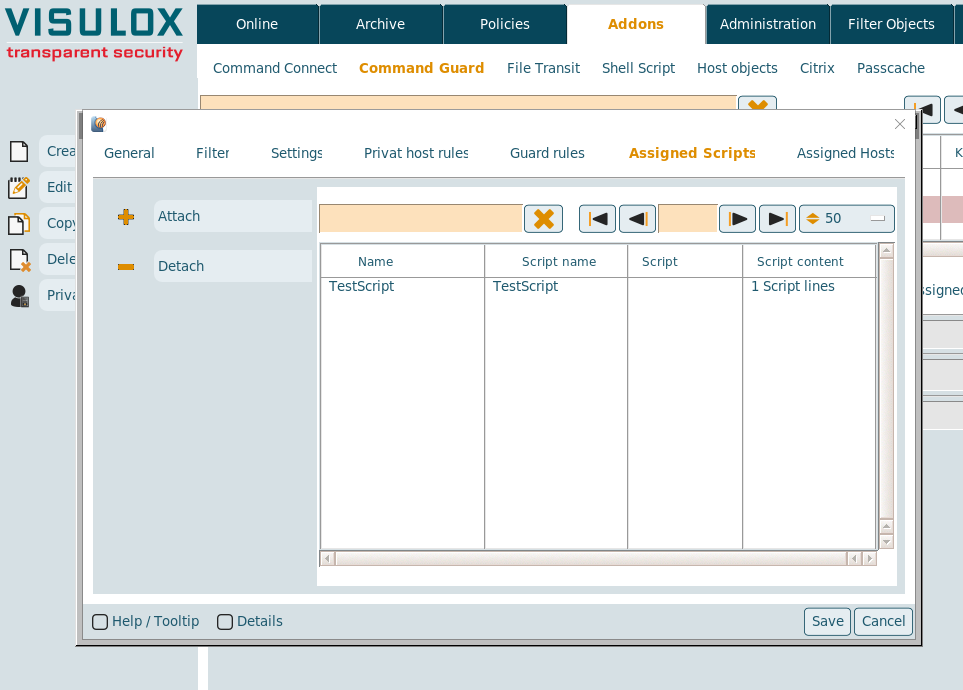
Available scripts can be attached / detached from the Command Guard group. (See also: Script objects)
Assigned hosts
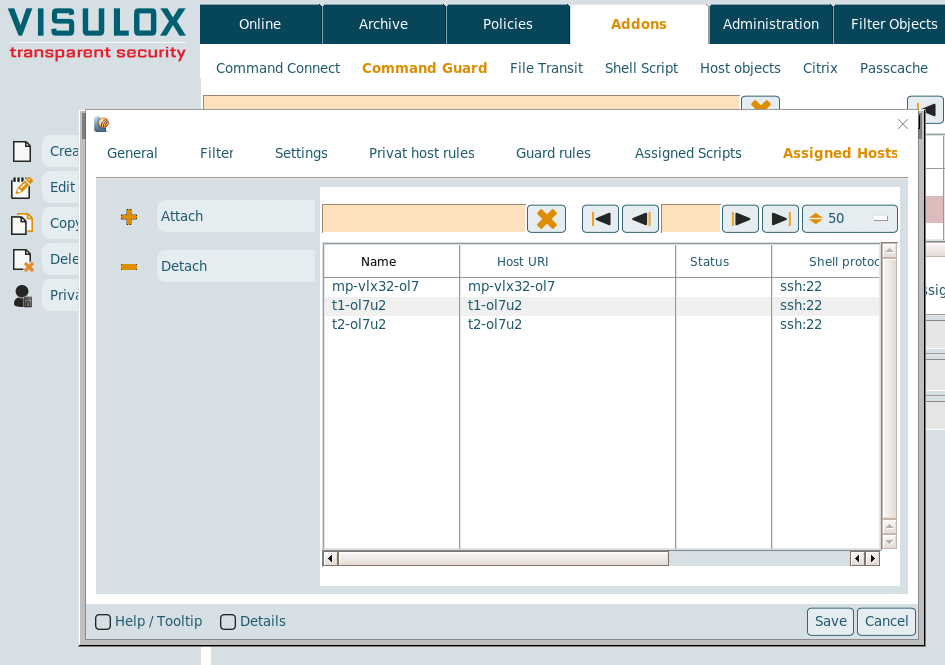
Host objects can be attached / detached from the Command Connect / Guard group. (See also: Host objects)
Before hosts can be added to a new created group, the group must be saved once.