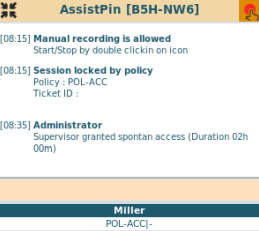

With in-time access a supervisor is able to give spontaneous access to a session locked by policy.
Processes for application access can be implemented without advanced planning.
A user logs into the VISULOX PORTAL and starts an application from his Workspace.
The user`s application is locked, if no Access Policy is found or if an Access Policy is set to denied.
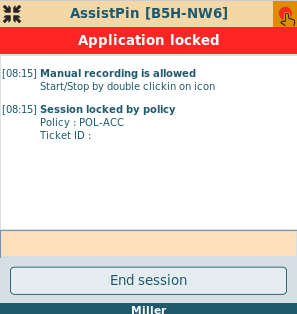
If a notification script is assigned to a denied policy, a "Send Request" button is displayed, with which a mail is sent to an approver, who can grant access via Cockpit.
If a request script is assigned to a denied policy, a "Send Request" button is displayed, with which mails are sent to the requester and the approver, who is able to allow or reject the request via mail.
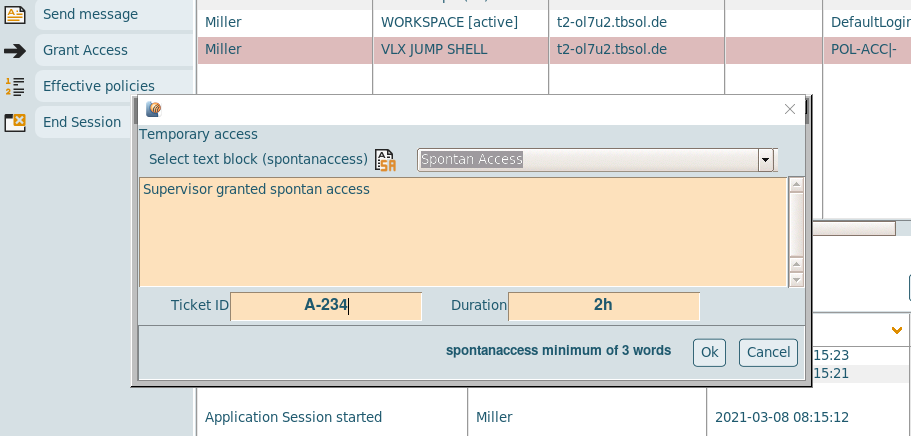
Within VISULOX Cockpit / Online, the supervisor is able to grant an in-time access for the user.
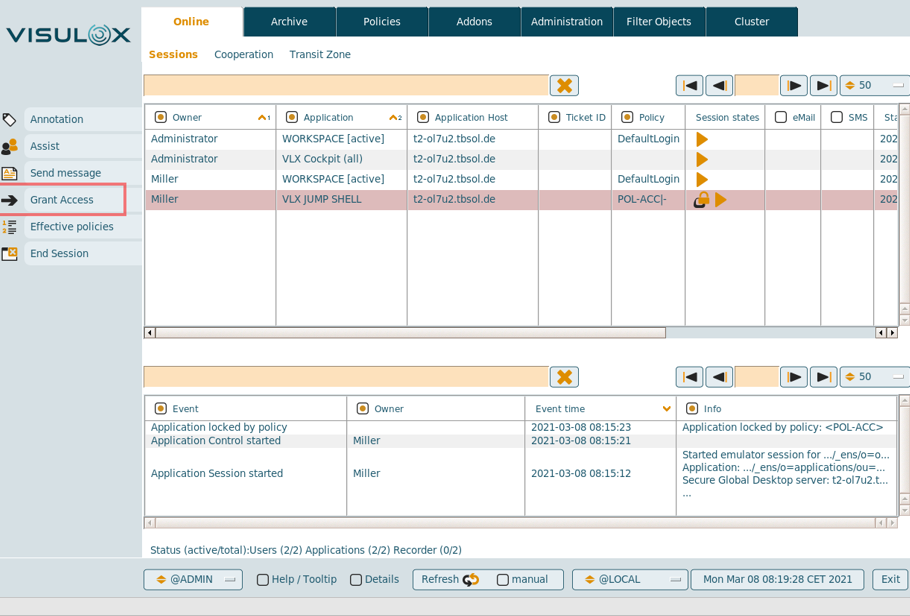
A text for the access has to be filled out and the temporary access is based on a ticket ID and a period of time. (See: Handling ticket IDs from external systems)
The value of the time period can be entered in hours (h, no unit) or in minutes (m).
Configuration parameters
|
Parameter |
Description |
Default |
|---|---|---|
|
entry.defaultduration.spontanaccess |
Default duration |
|
|
entry.spontanaccess.maxduration |
Max duration of temporary access |
48 |
|
entry.minwords.spontanaccess |
Min words in comment |
3 |
|
entry.spontanaccess.ticketid |
Reg expression for the ticket ID |
^A-.+$ |
Once the temporary access is granted, the user can work with the application: