
A standard form contract can be displayed within the login mask of the VISULOX PORTAL.
The contract can be viewed via a link and must be checked before a user is able to log into the VISULOX PORTAL.
|
|
|
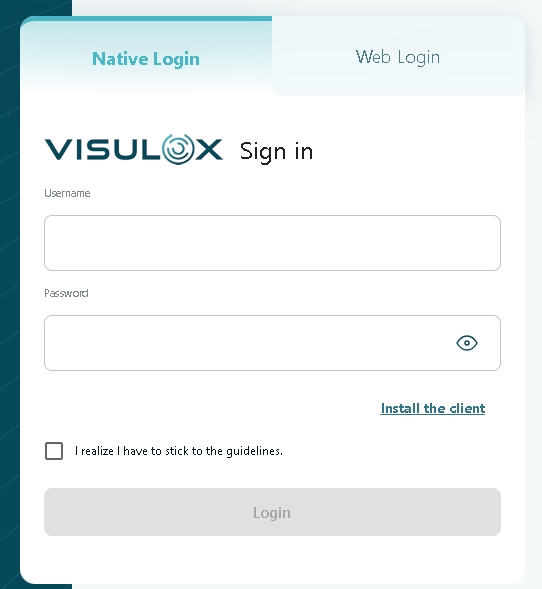
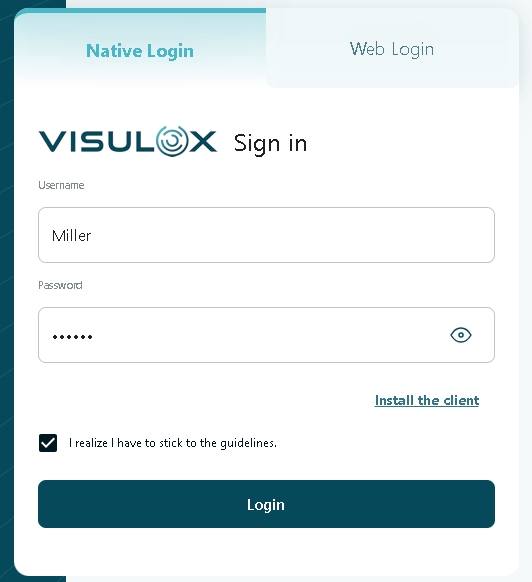
Turning the login consent on / off
visulox config -name consent.enable=true
visulox config -name consent.enable=false
With Access Branding it is possible to display different login page designs for different users according to their access point.
It is possible to overwrite the global consent setting for the different accesspoints:
visulox config accesspoint edit -name customera.tbsol.de -consent true
Possible values for -consent are: true / false / config
With the value config, the consent.enable from the global configuration will be used.
Changing the consent text
visulox config edit -name consent.en="<b>I realize</b> I have to <i>stick</i> to the <a href='https://xxx.com'> guidelines.</a>"
Formatting the text with stylesheet commands
visulox config edit -name consent.style=<css commands>
Available languages
consent.de
consent.en
consent.es
consent.sv
visulox portal attach must be used after changing the values.