
Assist process:
|
If the user wants to request an Assistance, he can contact his supervisor or another user and with his unique session ID, the cooperation partner is able to request the Assistance.
|
|
|
The user receives the Assistance request via control panel. Assist on hold is selected by default and the user is now able to
|
|
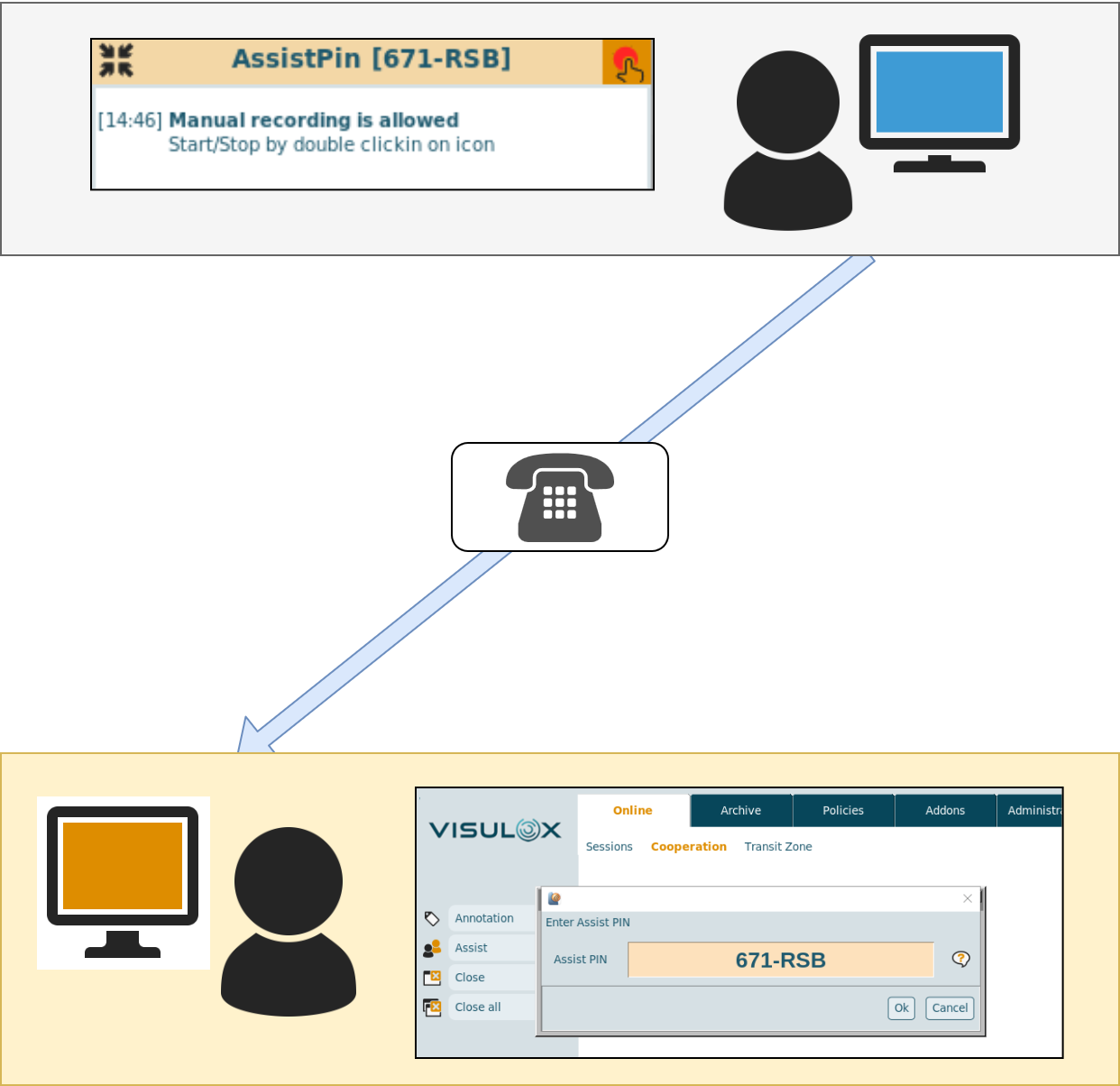
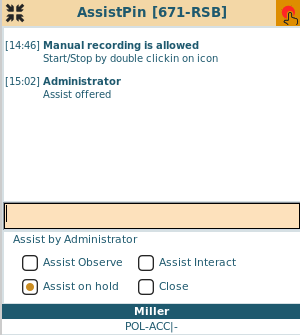
Assistance request:
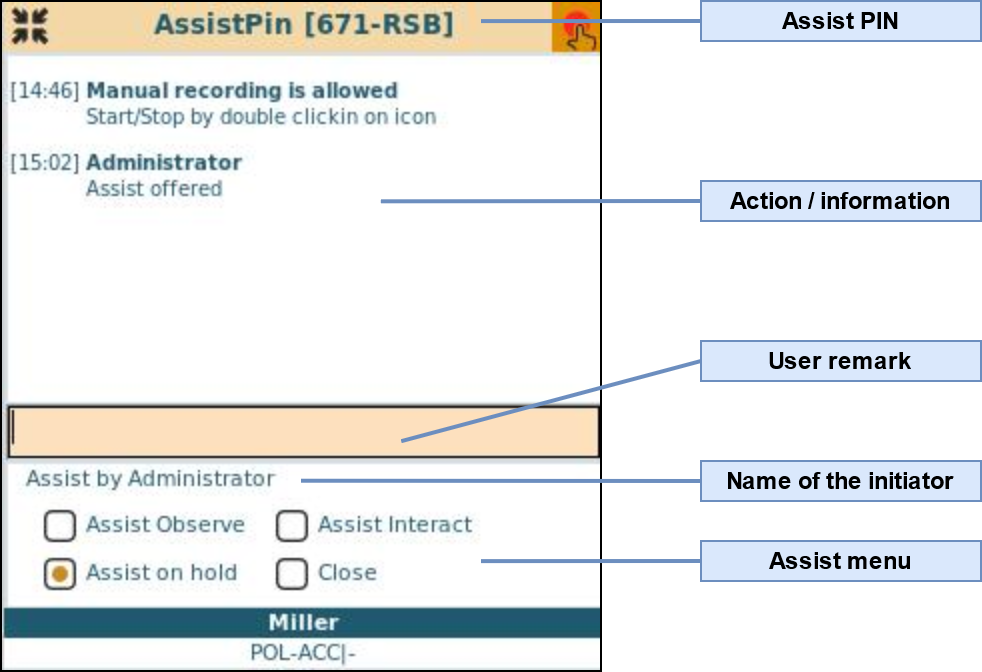
Default mode on start of a Assistance request is "Assist on hold".
The user is able to choose the mode for the Assistance:
-
Assist Observe:
In observe mode, the supervisor is able to see the screen of the user, but he can not interact with the application, just displaying his mouse pointer and name is possible. -
Assist Interact:
In interact mode, the supervisor has full access to the application of the user. -
Assist on hold:
In standby mode, the cooperation is active, but the supervisor is not able to see the screen of the application user. -
Close:
Assistance will be closed. The user can continue working without Assistance.
Assistance application:
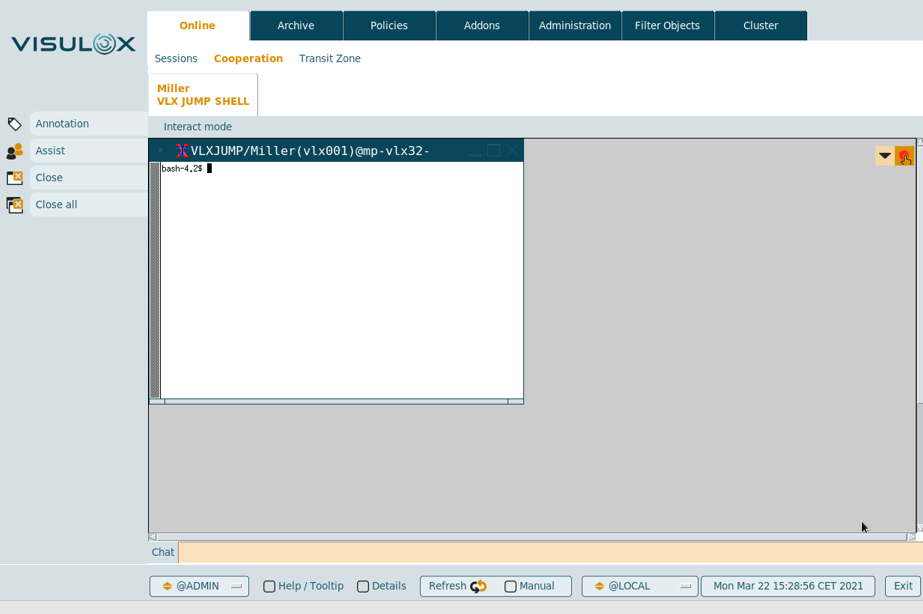
The supervisor has a chat field beneath the Assistance screen to communicate with the user via control panel.