
How to send VISULOX Events to external services
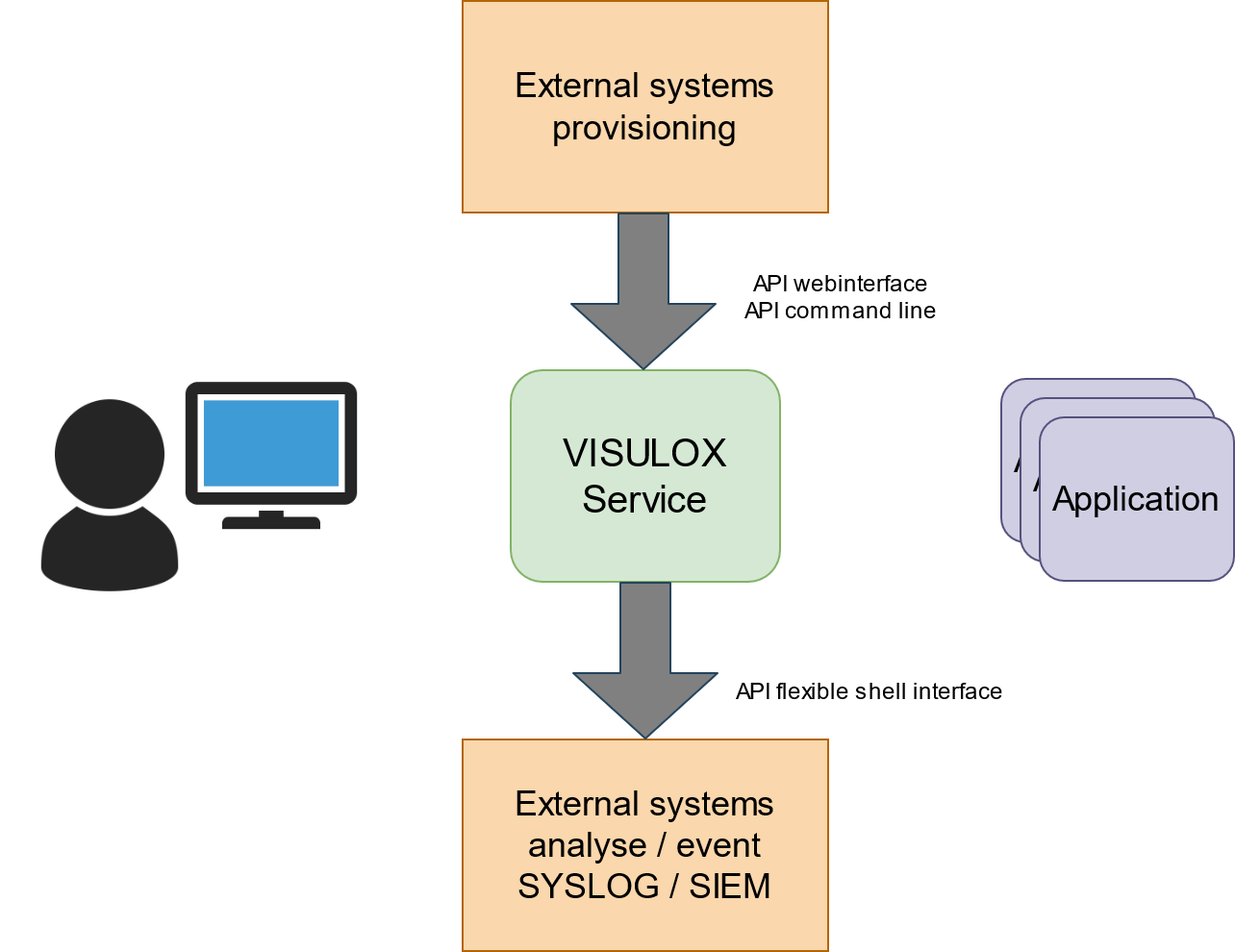
OverviewVISULOX Events are generated in several parts of the software. All events are stored in the database. Every event is also seen in the event script and can be delivered to external systems. The script is placed in $VLXDIR/tools/event.sh. The results are ignored. The file permissions must be vlx/vlxgroup/0550. This can be used for external systems like Syslog or SIEM integration (SIEM: Security Information and Event Management). |
Usage
The use case on this is the syslog integration. Sending information to a syslog server.
Send all events to syslog
#!/bin/bash
subject="$VLXEVENT $VLXOWNER $VLXAPPLICATION $VLXAPPLICATIONHOST $VLXEVENTINFO"
tag="VISULOX"
logger -t $tag -p user.err "$subject"
Event information
The event information is seen in the script as shell environment information. Depending of the event type different information is provided.
Configuration
The script $VLXDIR/tools/event.sh has to be adjusted.
This script is not replicated to other VISULOX Nodes.
Only those events are seen in that script which are generated on that node.
Related information
How to pass multiple login failures to external
Interface for current usage - stats.sh