
Visulox Cockpit Archive / Dashboard
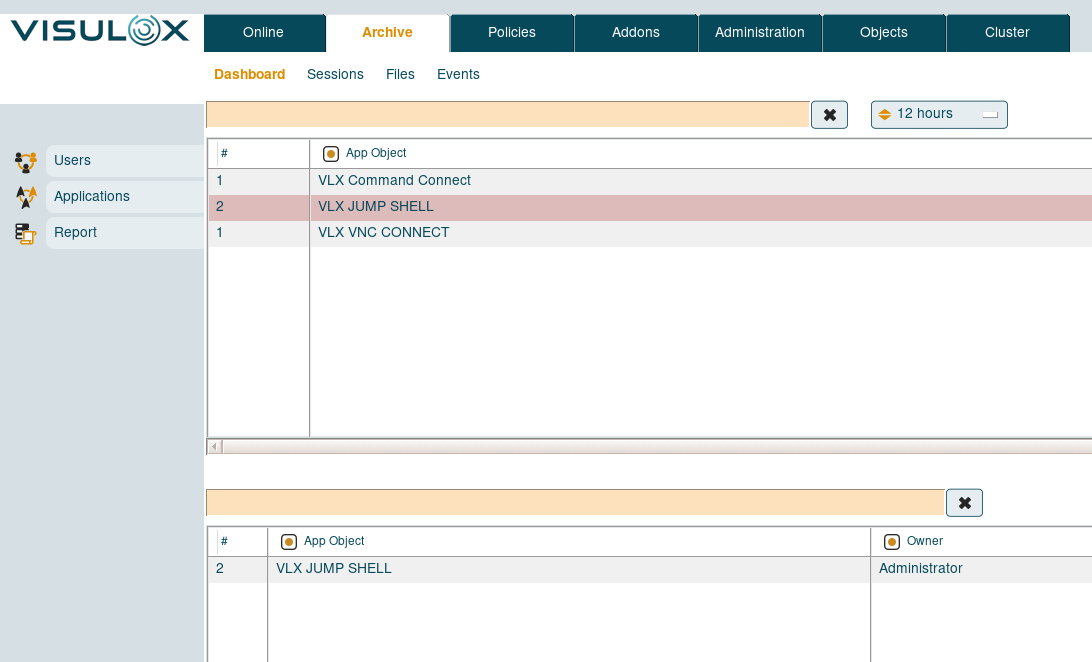
In the dashboard tab information of ended user / application sessions can be found.
Previously logged in users and their used applications are displayed in a table and reports can be generated.
Visulox Cockpit Archive / Sessions
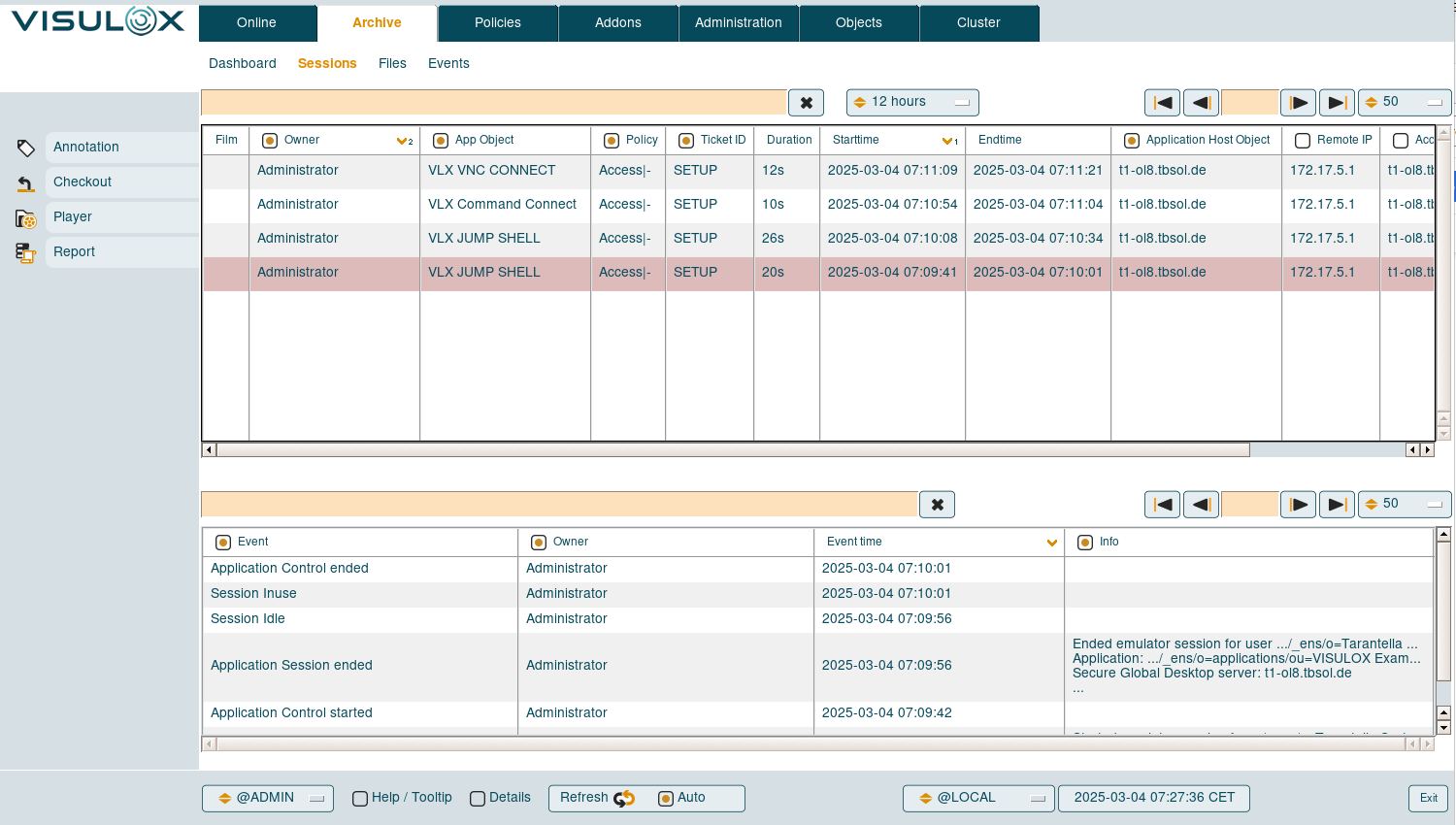
All application sessions with all the available information is displayed in a table.
Once a session is selected all archived events for this session are displayed in a separate table.
Available features
-
Annotation
A remark can be added to a session by the supervisor. Remarks are shown in the events section of a selected session. -
Checkout
Selected sessions can be checked out into Transit Zone, where they can be downloaded to the client. -
Player
Recorded sessions can be viewed with the online player directly in the VISULOX Cockpit. See also: Visulox Player -
Report
Reports can be generated for the selected sessions.
Visulox Cockpit Archive / Files
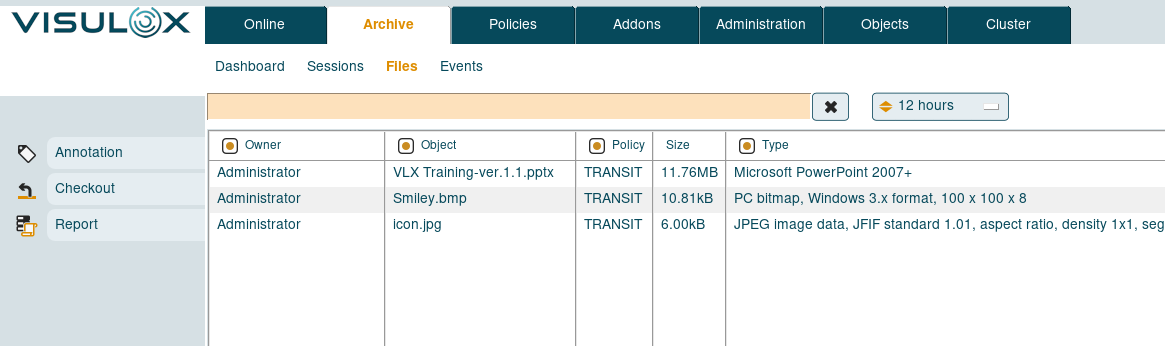
All transferred files from all users and directions are displayed with the available information.
Available features
-
Annotation
A remark can be added to a file by the supervisor. Remarks are shown in the events section of a selected session. -
Checkout
Selected files can be checked out into Transit Zone, where they can be downloaded to the client. -
Report
Reports can be generated for the selected files.
Visulox Cockpit Archive / Events
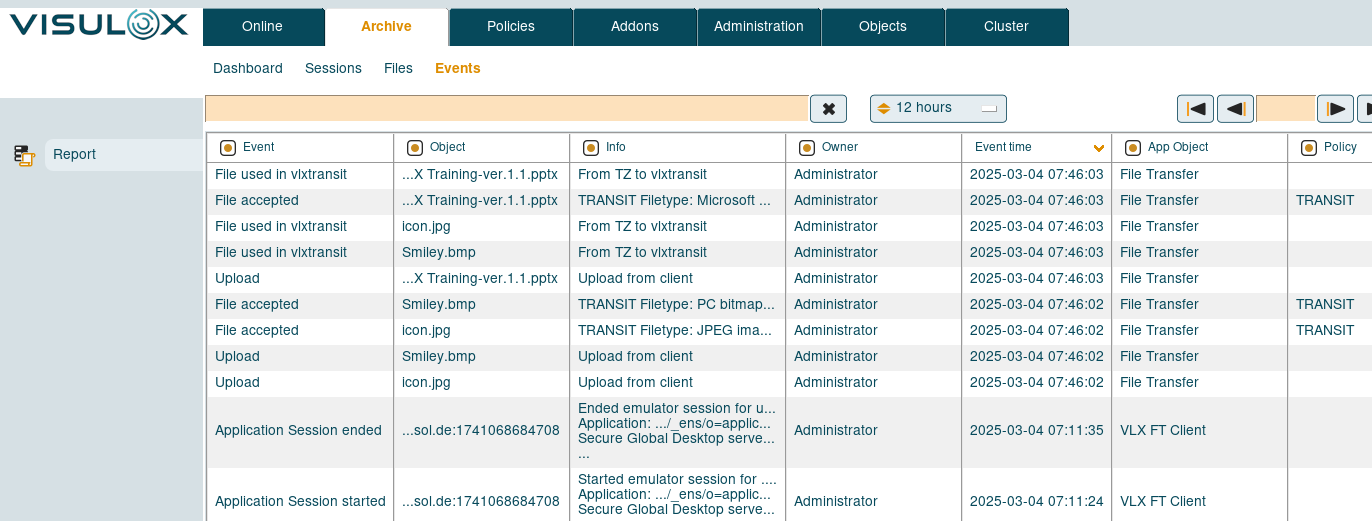
In the Events tab all Visulox events are listed.
Available features
-
Report
Reports can be generated for the selected events.