
VISULOX Control Panel
The VISULOX control panel is always available in a launched application.
The panel is displayed, when the mouse pointer is placed over the trigger for the VISULOX control panel.
|
|
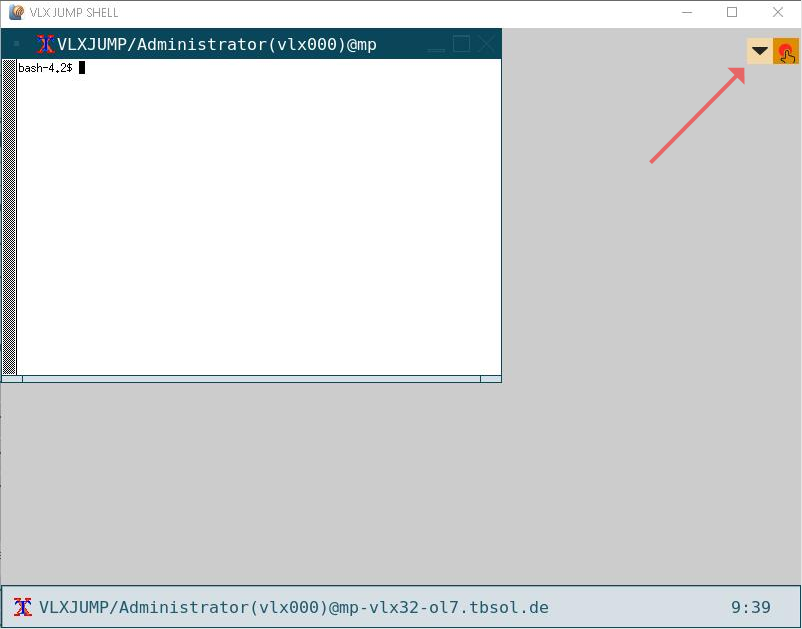
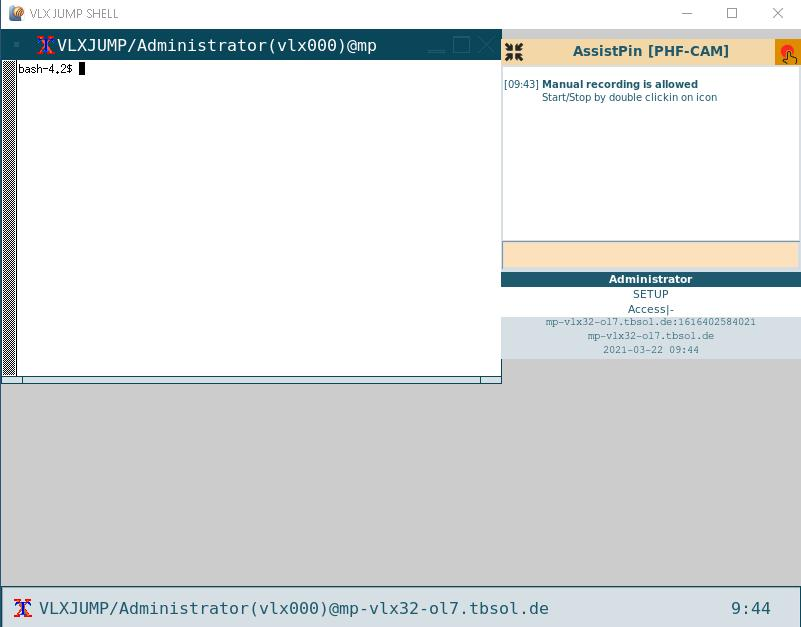
The panel can used for interactions between the application user and the VISULOX environment.
Depending on the mode of the application the look of the panel can be different.
The control panel can be moved with click on the title bar and holding down the left mouse button.
With a doubleclick on the title bar, the panel is moved back to upper right corner again.
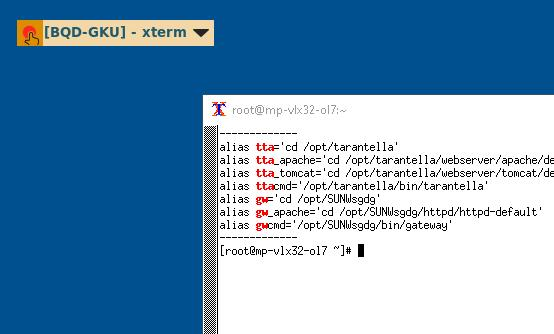
| If the application is started in client side window mode, the control panel is displayed outside of the application window. The control panel can also be moved by holding down the left mouse button. |
The default panel always shows the Assist PIN on top, that can be used by a supervisor to start an Assistance and a text box, where the user can enter a remark.
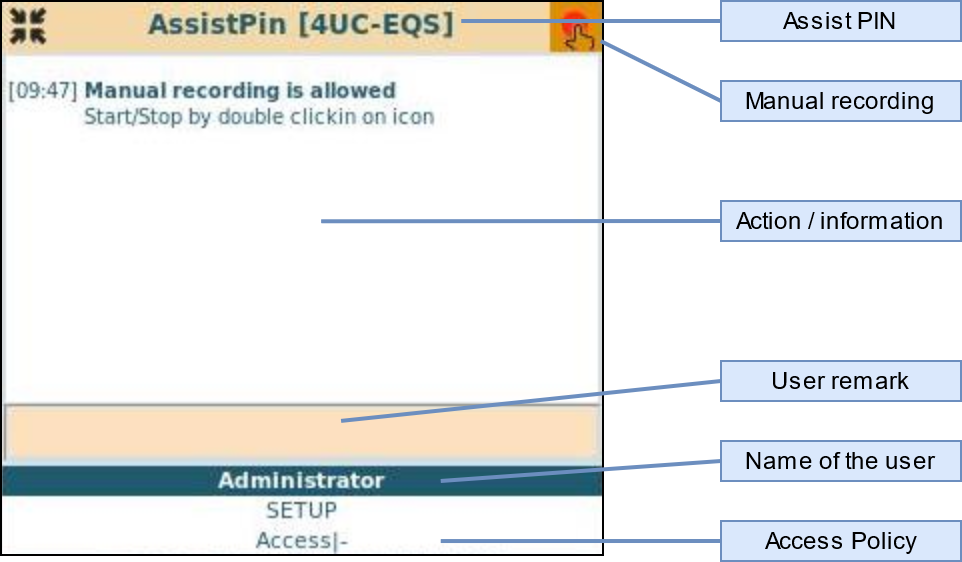
The user is able to record his application sesssion by double clicking on the manual recording icon.
With another double click the recording of the application session is stopped again.