
Recorded applications
If an application is configured for recording, the user has to acknowledge the recording.
The control panel is displayed and the application is locked.
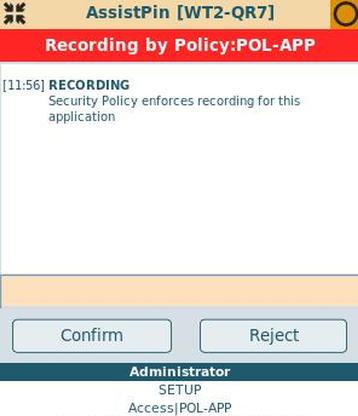
When the "Confirm"-button is pressed, the application is no longer locked and will be recorded.
When the "Reject"-button is pressed or the message-box is closed, the application will be closed.
If the user doesn't press any button, it is possible to auto-accept or auto-reject the recording of the application after a period of time, depending on configuration.
The user can always enter a text in the field for remarks, before the window is confirmed or rejected.