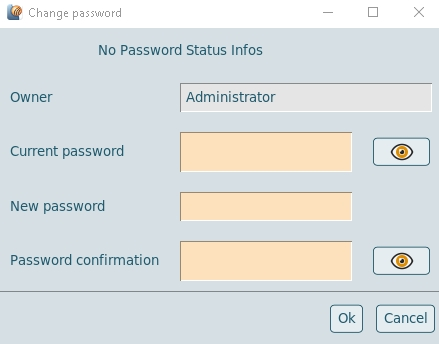
Password management
Active Directory (AD) and Oracle Unified Directory (OUD) users are able to change their password by themselves.
This feature must be configured and enabled by VISULOX admins.
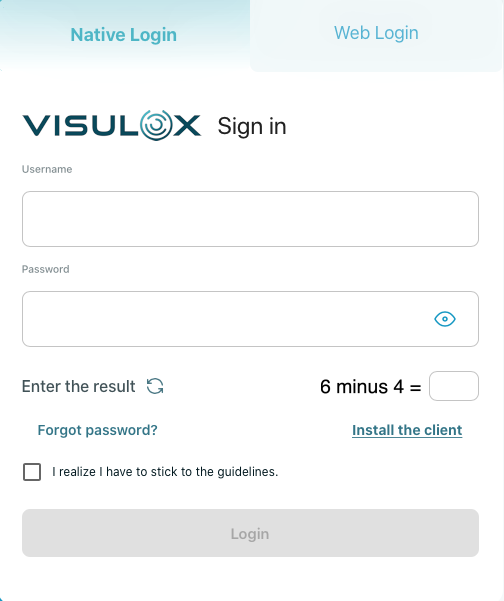
If so, the "Forgot Password?" in the login mask is displayed:
In the VISULOX Cockpit, the supervisor is able to reset passwords to a rolled random password for users.
Then the users will be informed via mail, that they have to set a new password with the Password SelfService application.
Therefore the "VLX Password SelfService" application must be assigned and has to be started from the Workspace.