How to handle access for groups
Group based access
Group Access is used to define an Access Policy for a specific list of users. This is needed when users are working together in a project and the project is represented by a group object in the repository.
VISULOX Access Policy allows two methods:
1) One Access Policy for all users in the group. This is a standard Access Policy
2) Individual access for members in the group based on an access template. The access template includes starttime, endtime and a timeprofile. This is called a Group Access.
The Access Policy set to mode "Group Access" now defines:
- The timeframe, when this policy is valid: timeprofile, start and endtime
- The members of this policy
- The applications to what this policy is applied.
If the policy does not match in timeprofile, start, endtime, user and application filter, the next policy will be checked.
If the policy is applied, the next step is to check, if the current user belongs to this Group Access with his application, and if he is allowed to use the application, within his definition of start and endtime.

The method of Group Access is used to coordinate projects and project teams.
Example to use this access method
In an organisation, there are two projects:
Project (A) for a group of users represented with G1 and applications (app1,app2)
Project (B) for a group of users represented with G2 and applications (app1,app2)
A Group Access Console can be defined for Project_A and Project_B:
Arguments for command
-name vlxaccess -groupaccess Project_A
-name vlxaccess -groupaccess Project_B
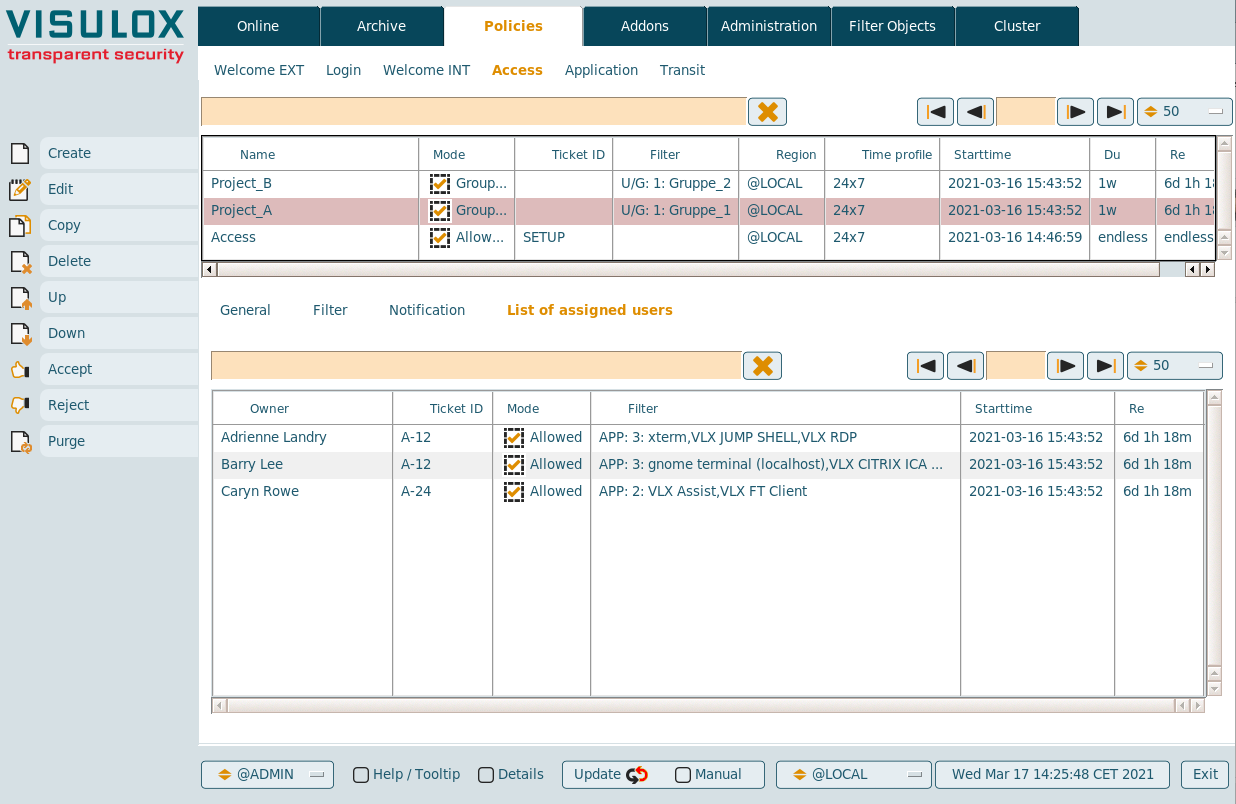
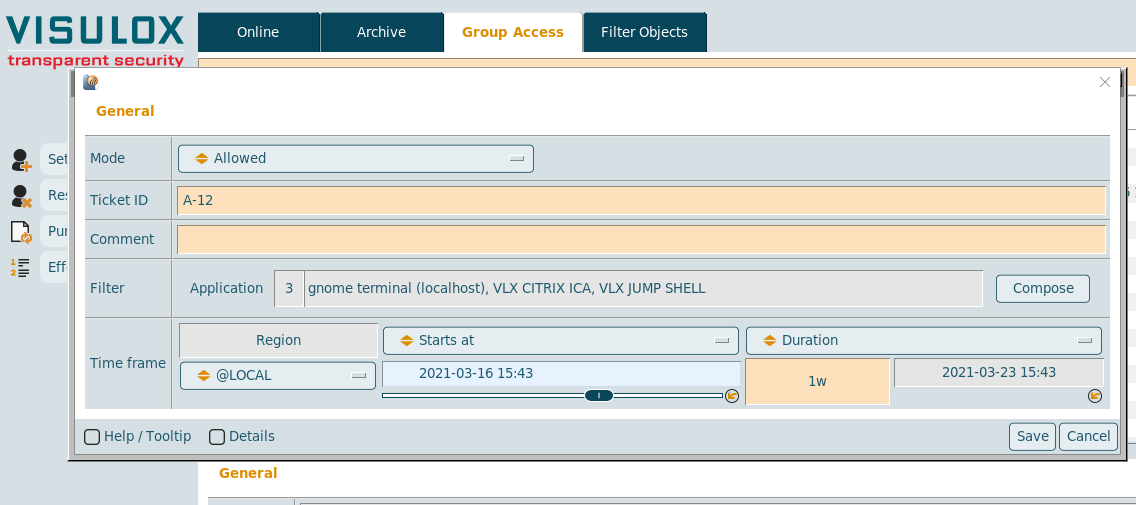
Users who have this applications assigned can now add and remove users with the assigned Group Access Policy (Project_A or Project_B):
|
|
|
| Users must be members of the Group Access Policy | Group Access Console | Adding a user to Group Access |
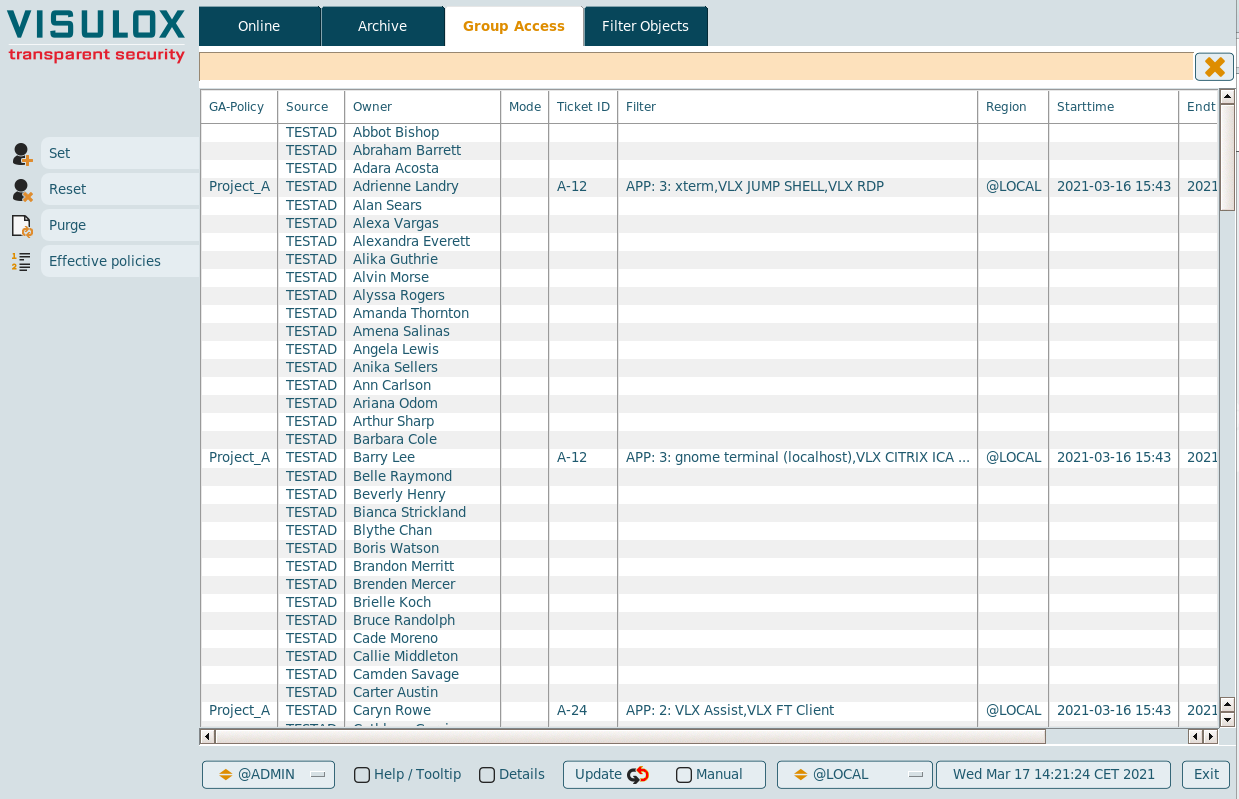
Within the vlxacess application, the Online and Archive view is presented additionally.
The view filters for Online and Archive are used from the Group Access Policy. This achives to provide a "VISULOX Cockpit for Project_A or Project_B" automatically.
More control within vlxaccess can be done with the parameter -roles as usual.
Example for Group Access in the user's Workspace:

Specials:
- Group Access Policy does not enforce the ticket ID. The ticket ID is enforced on the assigned users.
- Group Access Policy can not be configured with an empty user/group filter.
- Group Access can not be controlled by a Cockpit filter rule. This object is ignored.
- The comment in Group Access Policy and the comment in the user access is concatenated.
- A user can be in multiple Group Access groups.
- Currently Online and Archive views can only be filtered by user/group and application.
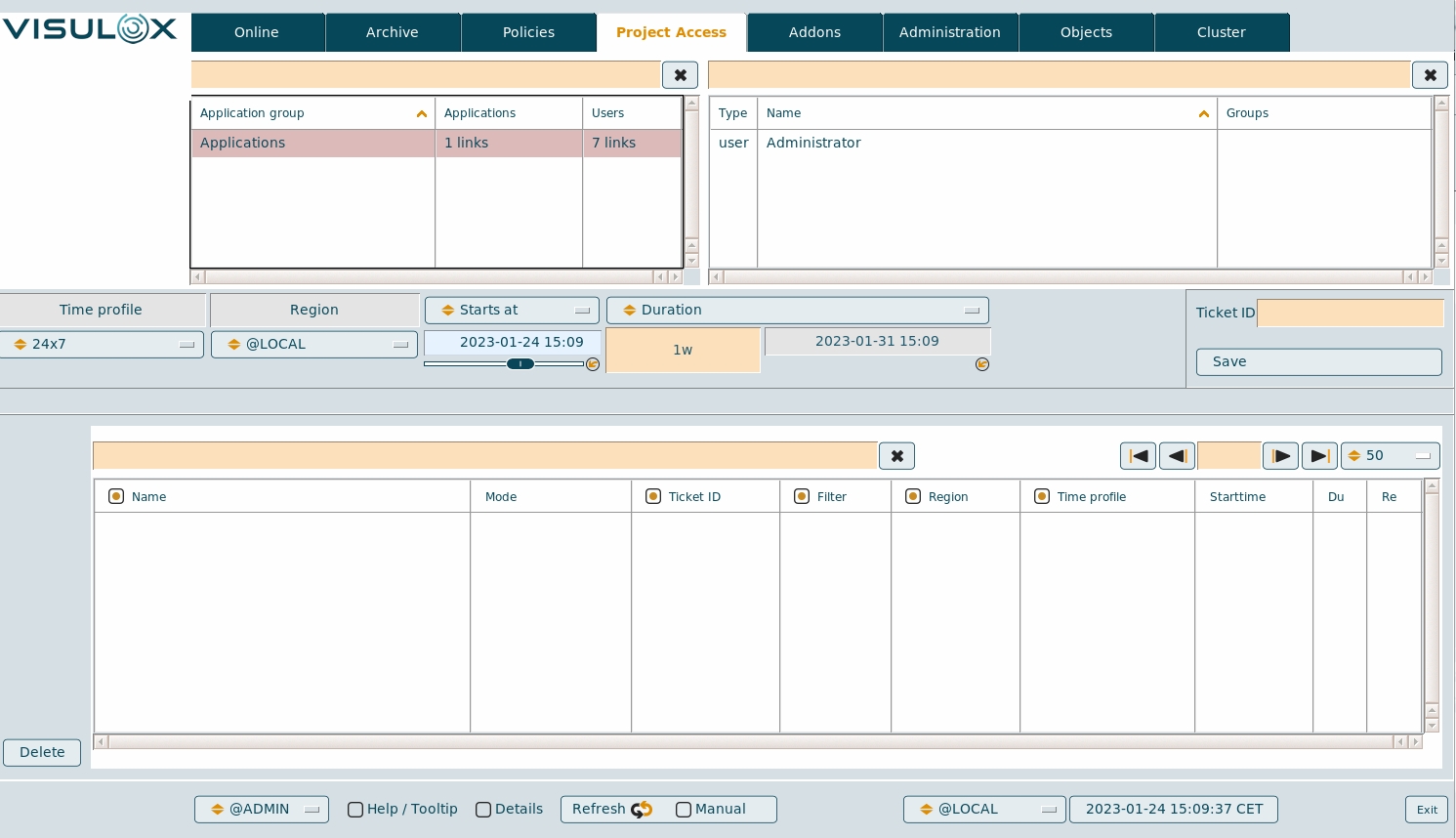
Project based application access
A project based access needs a special organization hierarchy of projects and the assigned applications in the datastore.
Parameters to enable the project view in VISULOX Cockpit are -project and -projectmask <mask>. The default project mask is "*"
vlxgui -name ProjectAccess -project "Test Applications"With these start parameters for VISULOX Cockpit / vlxgui, the Project Access tab is displayed to setup and configure user application access based on application groups.