
Authentication with Microsoft Entra
Microsoft Entra can be used to authenticate users to VISULOX environments. To achieve this some preconditions have to be met.
|
|---|
Microsoft Entra - VISULOX application settings
Once the Entra application is setup, two entries are needed:
Certificates & secrets:
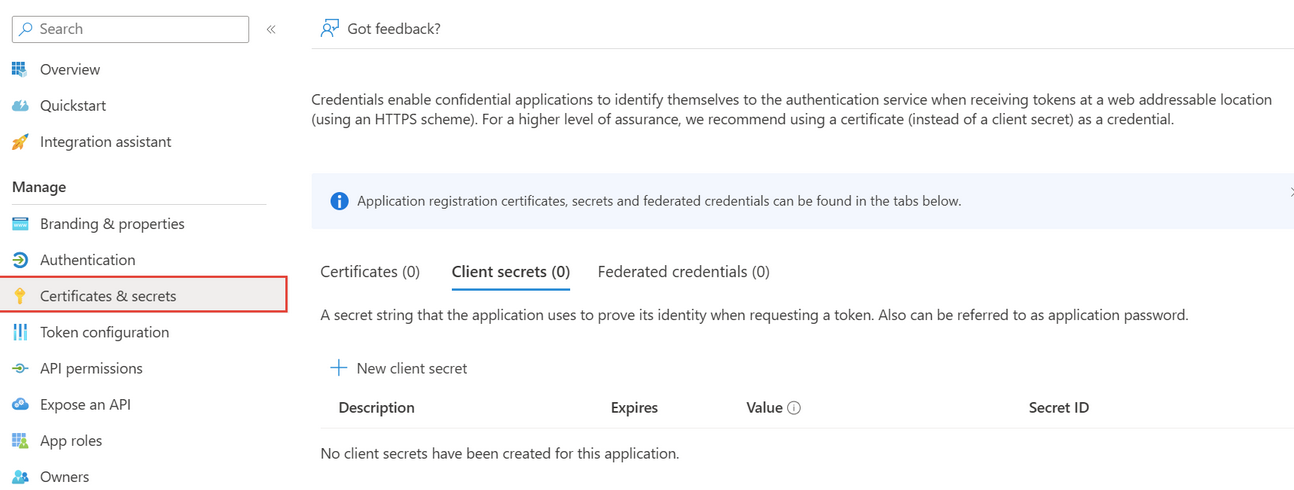
The secret / key has to be set, for example: aVl8Q~IhnT8fiLsO1qOB9AV5Em1vuasNOxCS3aGD
Authentication:
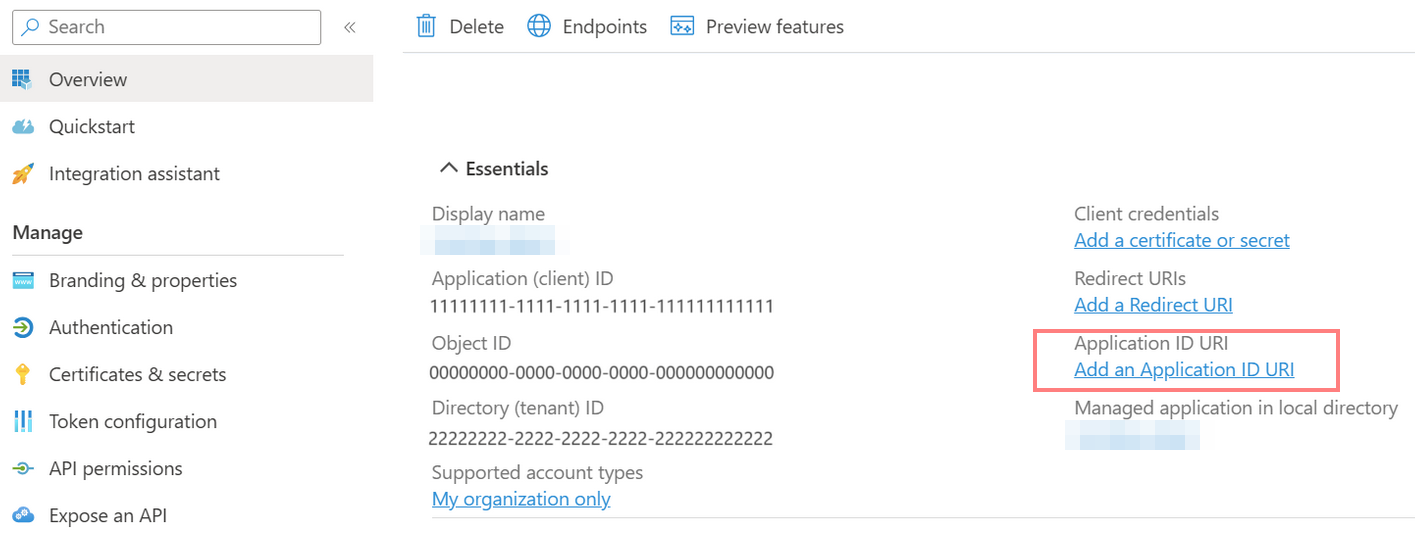
As Redirect URL, the VISULOX Portal URL must be entered, for example: https://vlx-portal-host.domain/visulox/entra/auth/redirect
The following information is now available in the Entra application:
Application (client ) ID, for example: c157417f-d7a8-4147-9b09-d3bdc2d21b55
Directory (tenant) ID, for example: 3e1ccbff-07dc-40f7-9843-1323aaad2376
Secret / key, for example: aVl8Q~IhnT8fiLsO1qOB9AV5Em1vuasNOxCS3aGD
VISULOX Portal URL, for example: https://vlx-portal-host.domain/visulox/entra/auth/redirect
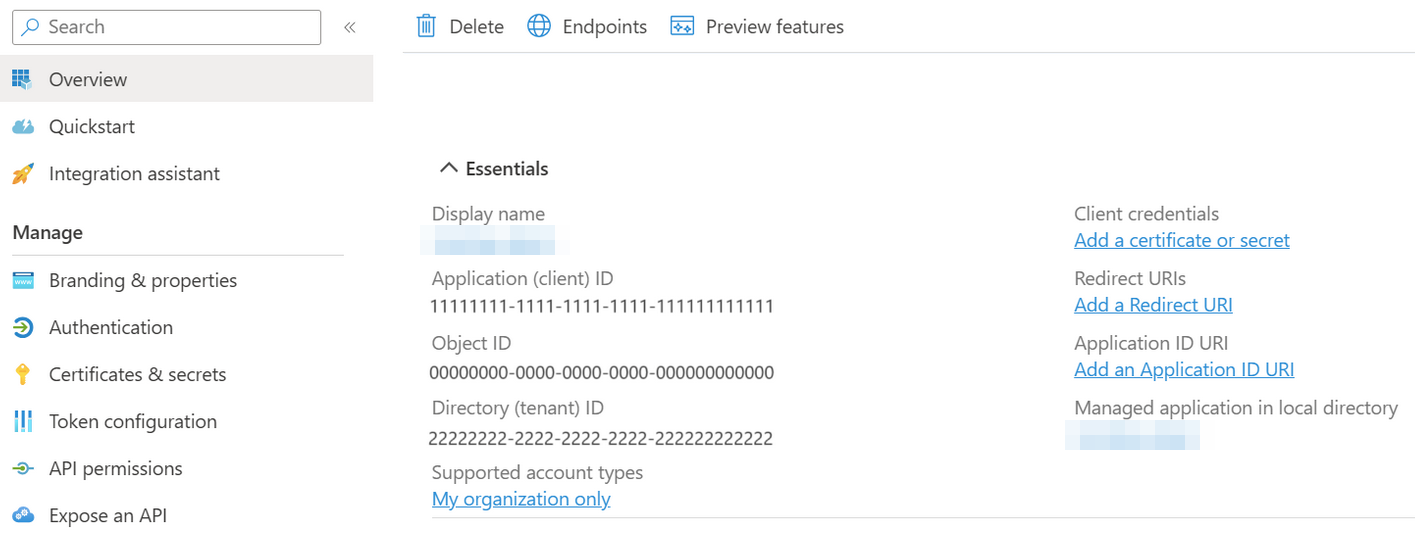
Settings on the VISULOX Portal server
The following parameters have to be set in VISULOX for Microsoft Entra :
visulox config 3rdparty -enabled true
visulox config edit -name portal.entra.enabled=true

visulox config edit -name portal.entra.clientid=c157417f-d7a8-4147-9b09-d3bdc2d21b55
visulox config edit -name portal.entra.secret=aVl8Q~IhnT8fiLsO1qOB9AV5Em1vuasNOxCS3aGD
visulox config edit -name portal.entra.tenantid=3e1ccbff-07dc-40f7-9843-1323aaad2376
visulox config edit -name portal.entra.nameclaim=preferred_username
Check parameters with:
visulox config -name portal.entra
    --------------------------------------------------------------------------
    | changed | key                   | value                                |
    --------------------------------------------------------------------------
    | changed | portal.entra.clientid | c157417f-d7a8-4147-9b09-d3bdc2d21b55 |
    | changed | portal.entra.enabled  | true                                 |
    | changed | portal.entra.homepage | https://vlx-portal-host.tbsol.de     |
    | changed | portal.entra.nameclaim| preferred_username                   |
    | changed | portal.entra.secret   | Concealed for Confidentiality        |
    | changed | portal.entra.tenantid | 3e1ccbff-07dc-40f7-9843-1323aaad2376 |
    --------------------------------------------------------------------------
The nameclaim parameter can be set to the according available registered claims in Microsoft Entra.
portal.entra.home is set by default, but can be set in special cases to an explicit URL.
After these adjustments VISULOX must be attached and the VISULOX Portal has to be restarted:
visulox portal attach
visulox-portal restart
Example settings in VISULOX Portal Console using LDAP/AD and Third-Party:
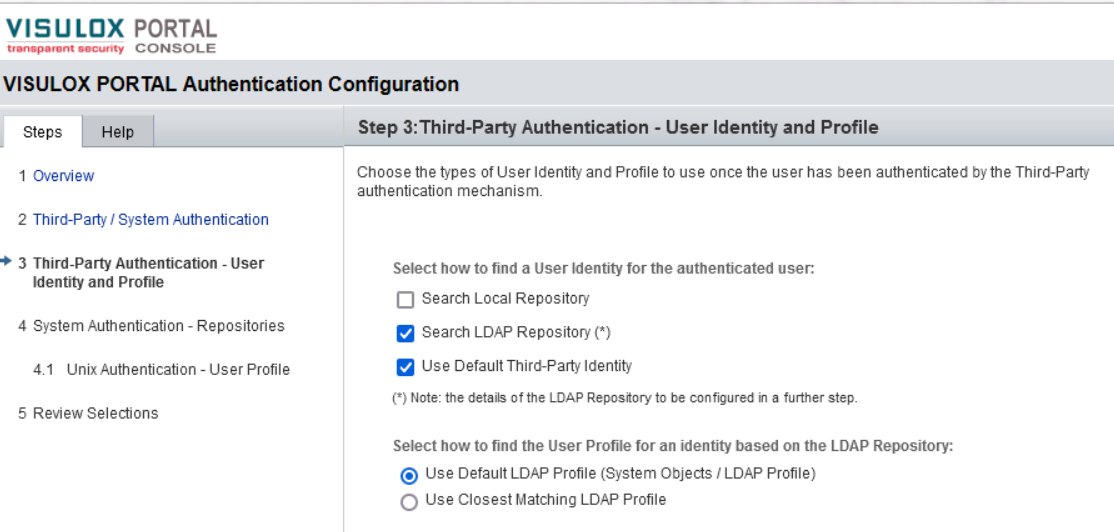
VISULOX login with Microsoft Entra authentication
On the VISULOX Portal login page use the Login with Microsoft button instead of directly entering username / password:
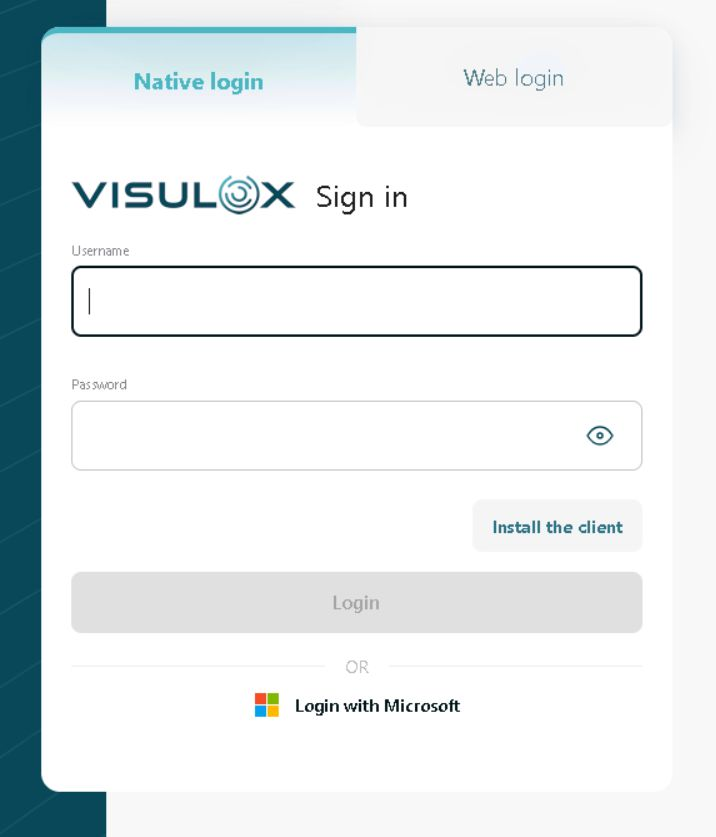
Use your Microsoft credentials in the opened Microsoft login mask.
If the login was successful, the VISULOX login page is displayed again:
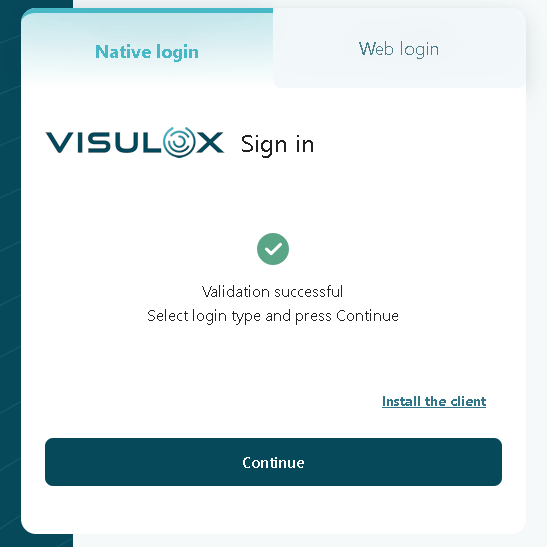
Press continue to open the Workspace.
VISULOX Portal server with proxy
If the VISULOX Portal server needs a proxy for internet access, the the following configuration is necessary:
/opt/tarantella/webserver/tomcat/default/bin/setenv.sh:
CATALINA_OPTS+=" -Dhttp.proxyHost=<proxy> -Dhttp.proxyPort=3128"
CATALINA_OPTS+=" -Dhttps.proxyHost=<proxy> -Dhttps.proxyPort=3128"
If the internal communication should not use the proxy, add:
CATALINA_OPTS+=" -Dhttp.nonProxyHosts='*.internal'"
CATALINA_OPTS+=" -Dhttps.nonProxyHosts='*.internal'"