
Authentication
Users with an account are able to log in, by entering their user ID and password into the login mask.
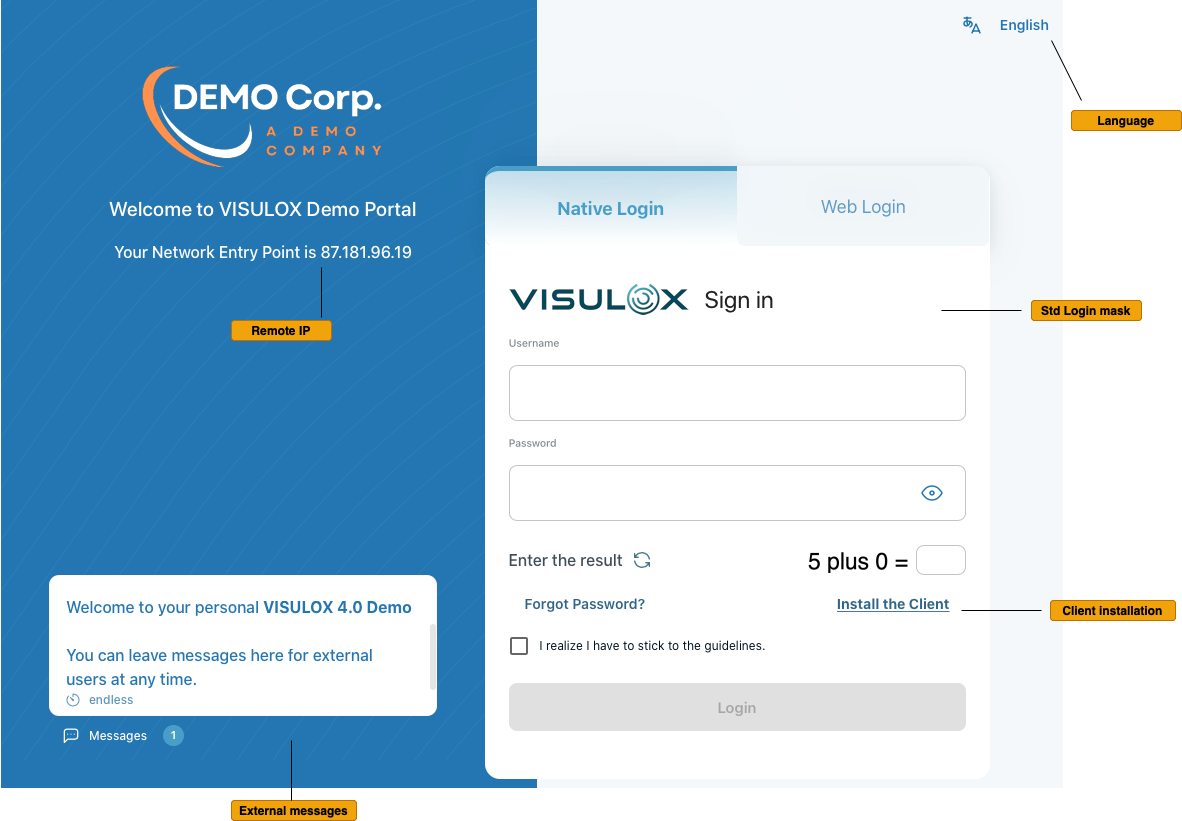
The available external messages are displayed in the message box of the login page.
Authentication via Access PIN
Users, that are registered for authentication with an Access PIN will get a second login mask and the PIN is sent via eMail or SMS.
It is also possible to call the Helpdesk to ask for the generated Access PIN. The PIN has a configured length, format and lifetime.
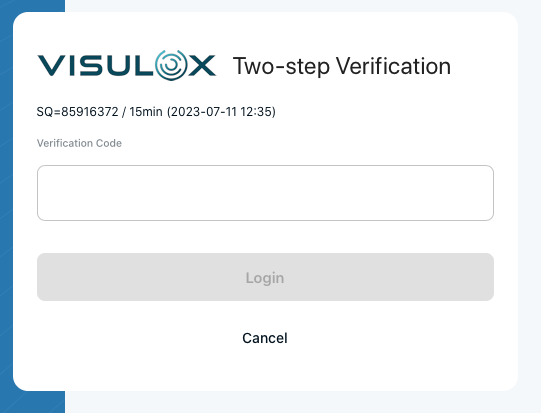
Once the user has received the PIN, login is possible with the username, password and the Access PIN as long as the PIN is valid.
If the lifetime has run out, a new PIN is generated and sent, when the user tries to login the next time.
Authentication via Microsoft Entra
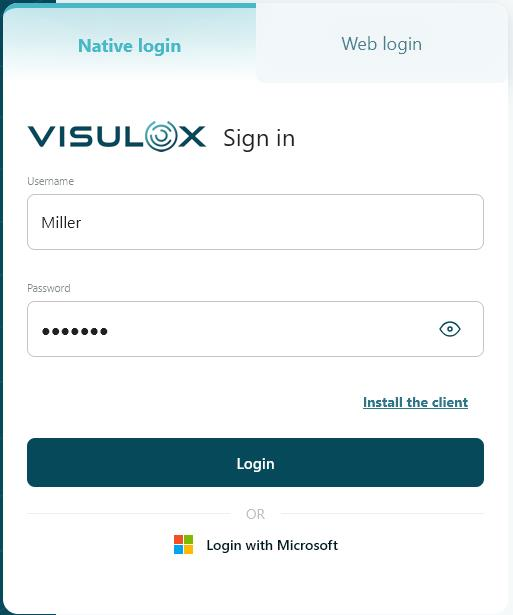
If configured, authentication with a Microsoft account is also possible using Login with Microsoft:
Authentication via One Time Password
For the login with One Time Password (OTP) an initial key has to be created with a smartphone App before.
Initial key generation on the welcome page:
The QR code (and the OTP Key) is displayed in the Workspace. |
| |||
With a smartphone App (e.g. Google Authenticator) an initial OTP can be generated and submitted via the input field. The initial code can be created via QR code scanner or with the OTP key. |
|
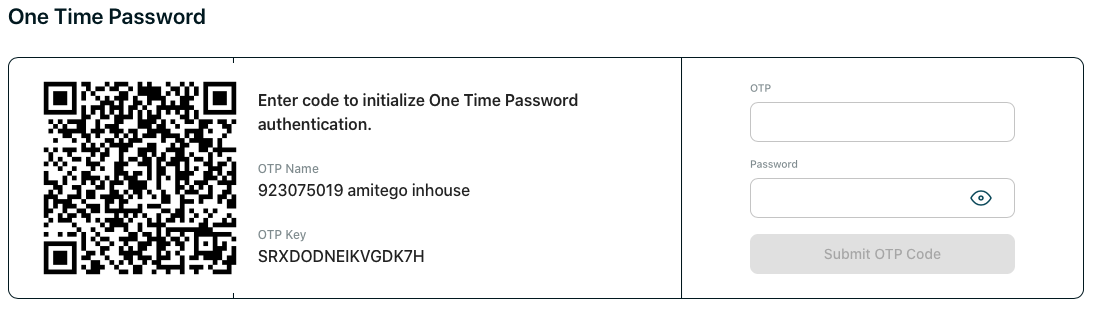
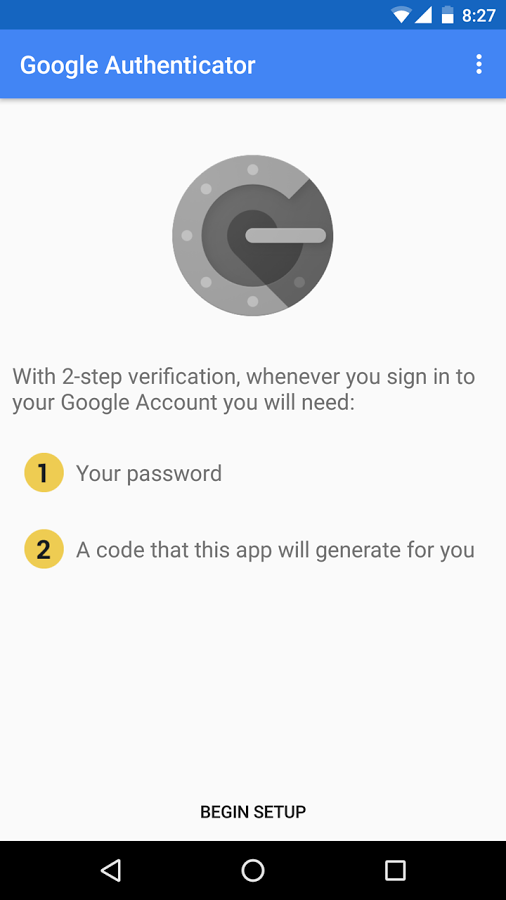
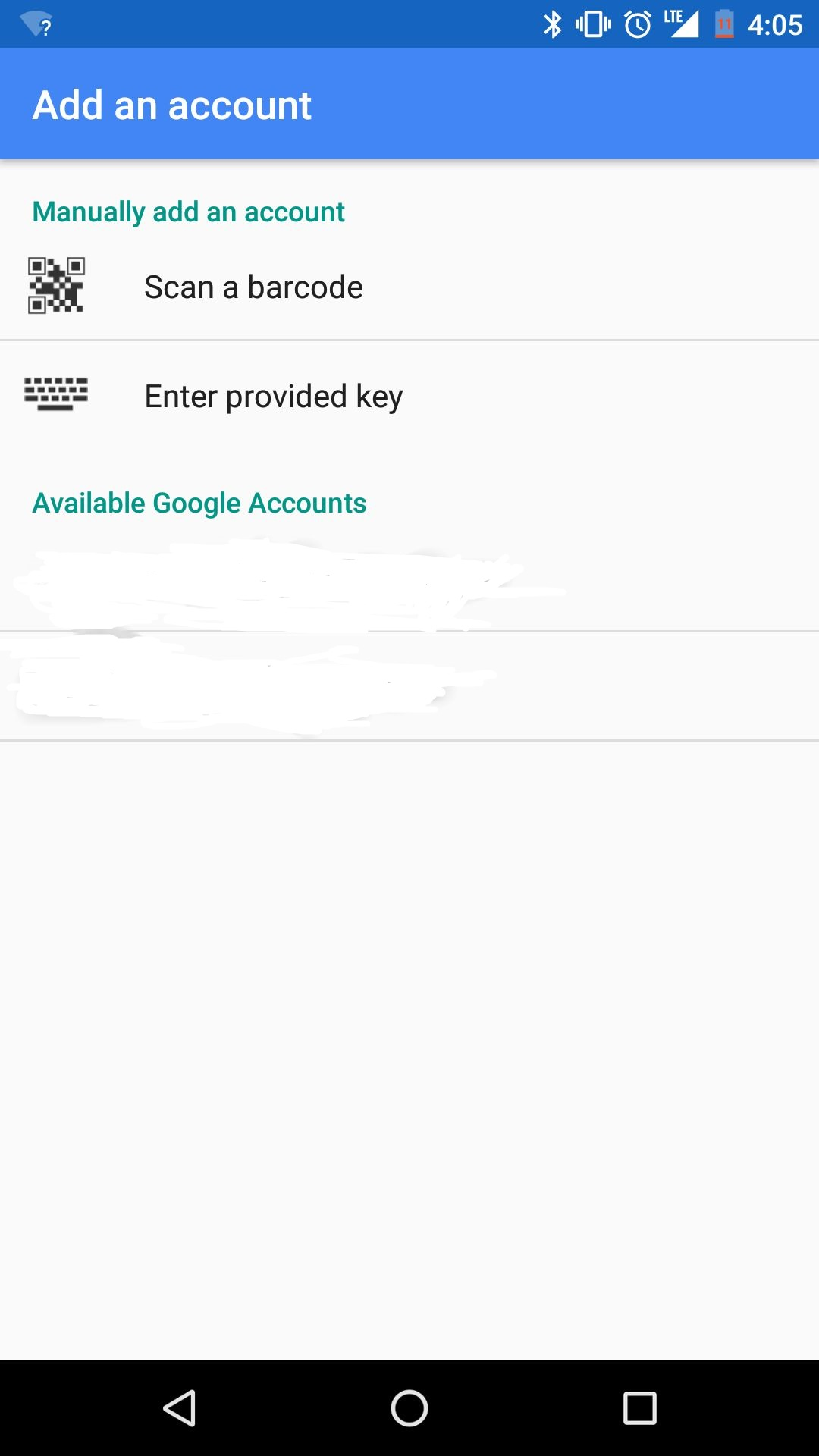
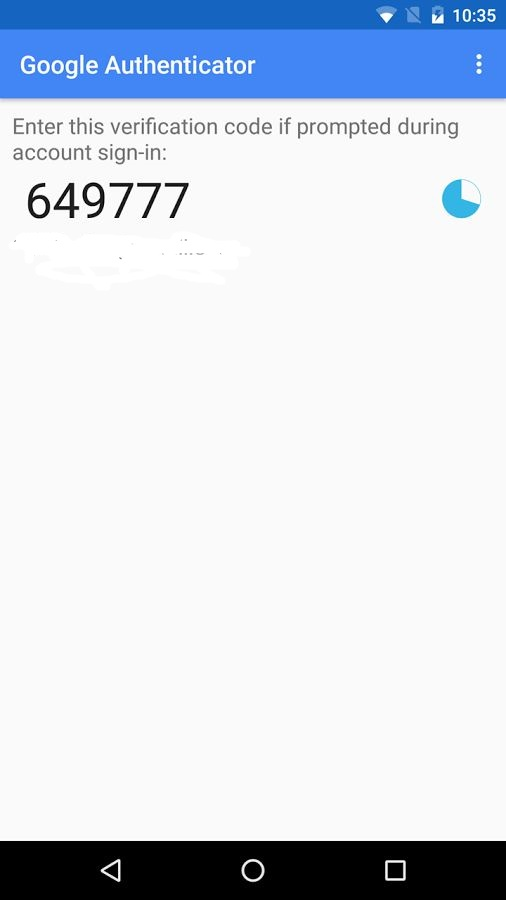
Once the user has entered the initial key, he is able to log into VISULOX PORTAL with the current key displayed in his authentication App and his password.
Login via verbal token will always be possible beside the OTP login.