Application locked
If the application is locked because the access period ran out, a message is displayed and the screen is locked.
|
|
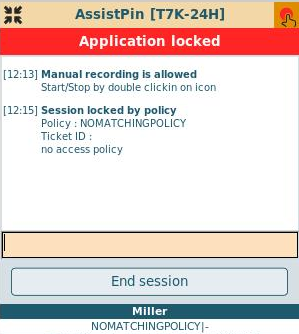
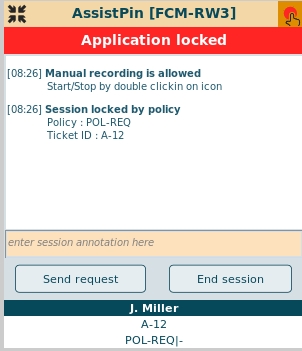
The user is able to contact an administrator, who can expand the users access period or he can end the session.
It is also possible to send a request via the "Send request"-button ( only available, if a notification or request script is assigned!)
or use "End session" on the lock message window. After access is granted again, the lock message disappears
and the user can continue working with the application without loosing his data.
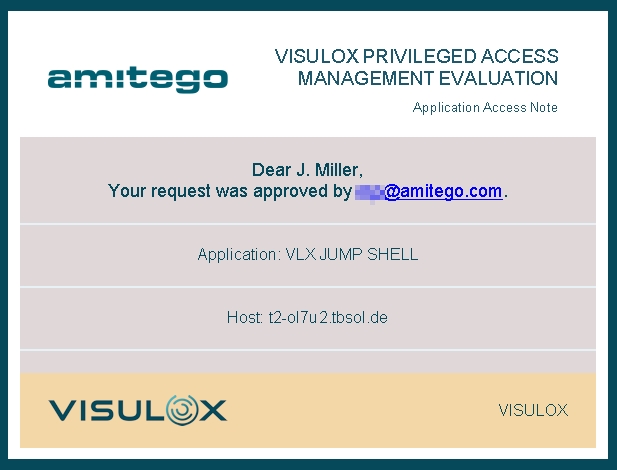
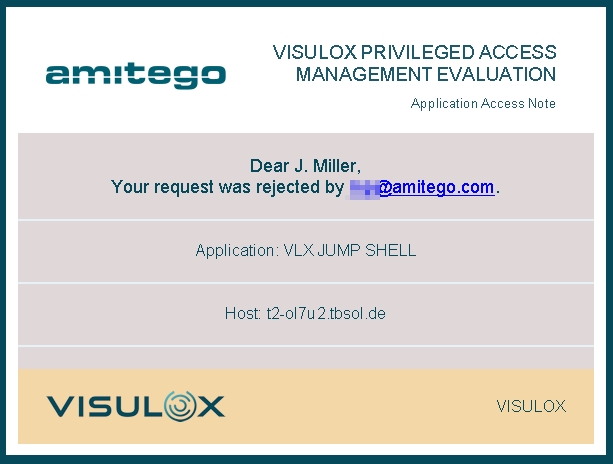
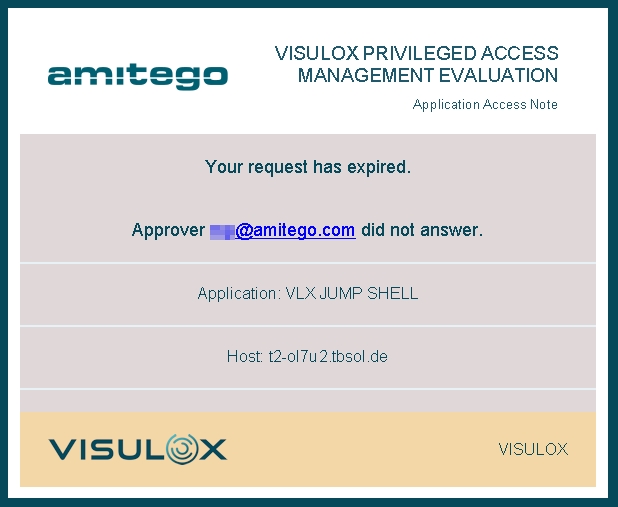
Depending on the configuration of an underlying request script it is possible that the user receives emails with the status of his request.
| Approved | Rejected | Expired |
|
|
|
Access is approved, Session is no longer locked. If Full Session has been chosen by the approver, | Access is rejected by the approver. The session is closed. | When the approver does not react, the request will expire, a mail is sent to the requester and the approver. The session is closed. |