
VISULOX Cockpit / Archive
VISULOX Cockpit Archive / Dashboard
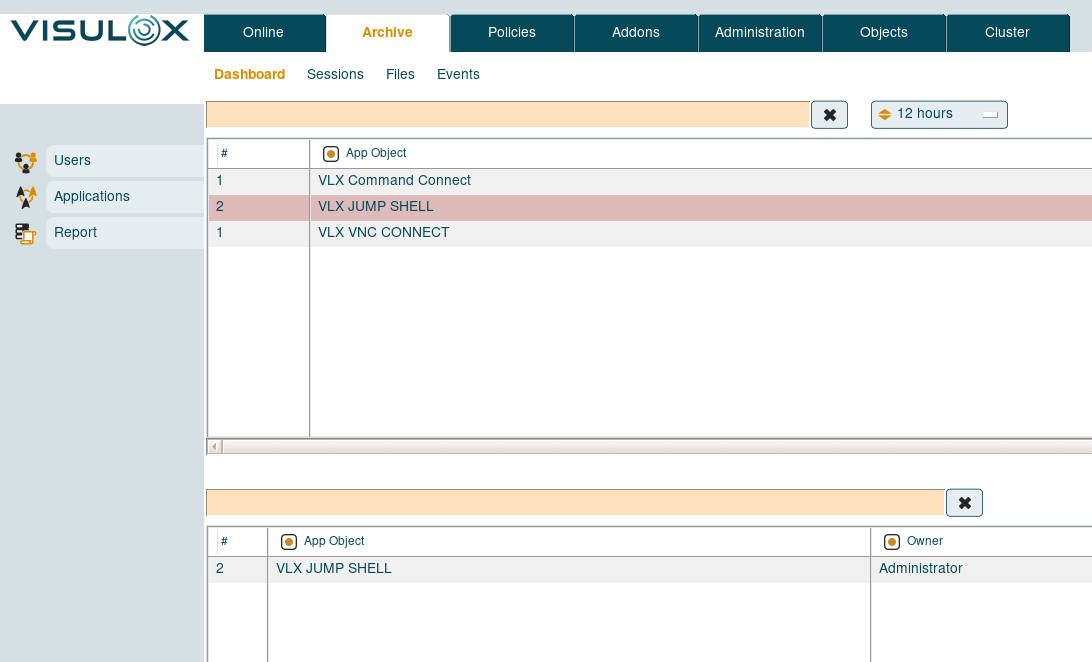
In the dashboard tab information of ended user / application sessions can be found.
Previously logged in users and their used applications are displayed in a table and reports can be generated.
VISULOX Cockpit Archive / Sessions
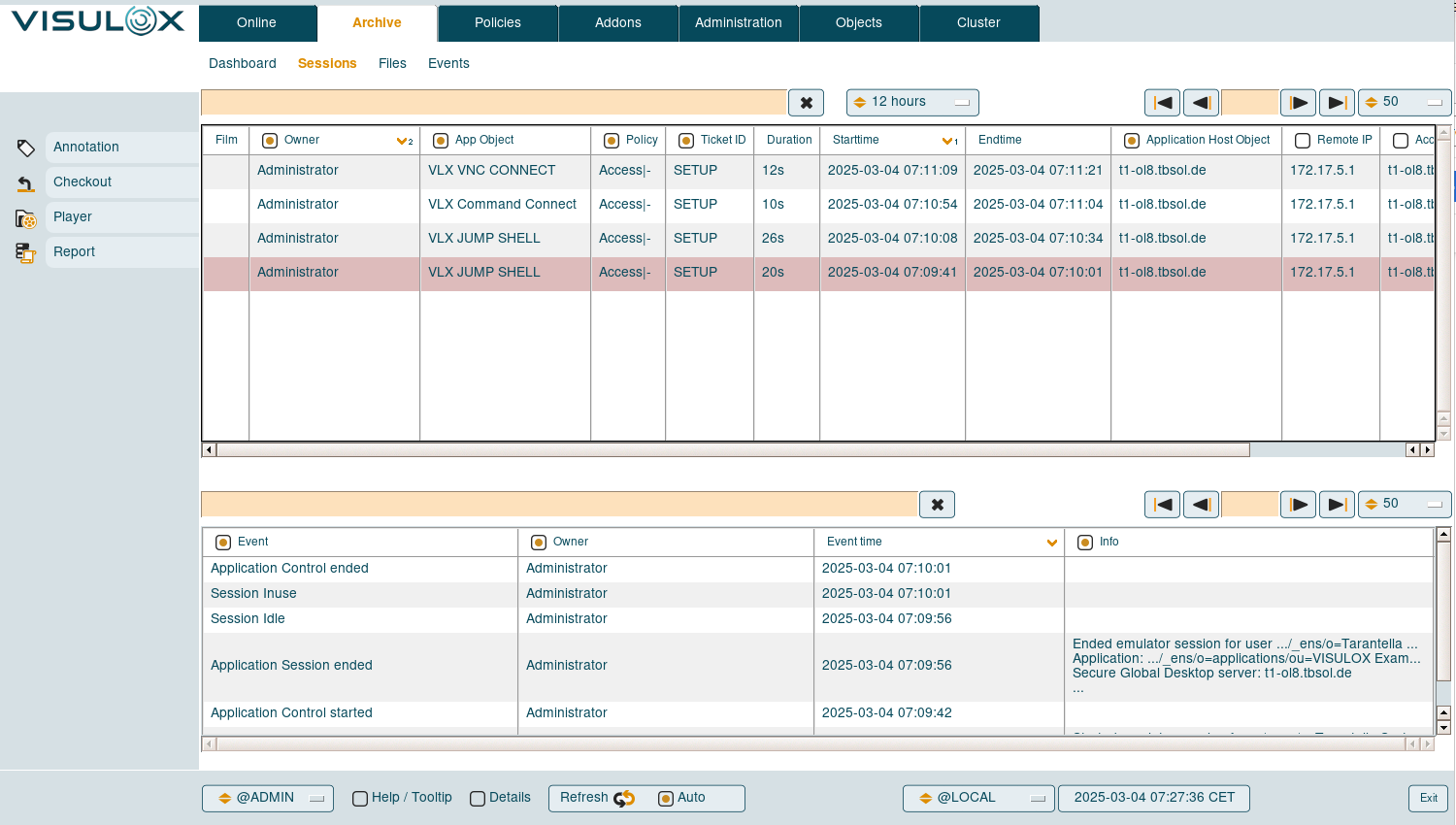
All application sessions with all the available information is displayed in a table.
Once a session is selected all archived events for this session are displayed in a separate table.
Available features
Annotation
A remark can be added to a session by the supervisor. Remarks are shown in the events section of a selected session.Checkout
Selected sessions can be checked out into Transit Zone, where they can be downloaded to the client.Player
Recorded sessions can be viewed with the online player directly in the VISULOX Cockpit. See also: VISULOX PlayerReport
Reports can be generated for the selected sessions.
VISULOX Cockpit Archive / Files
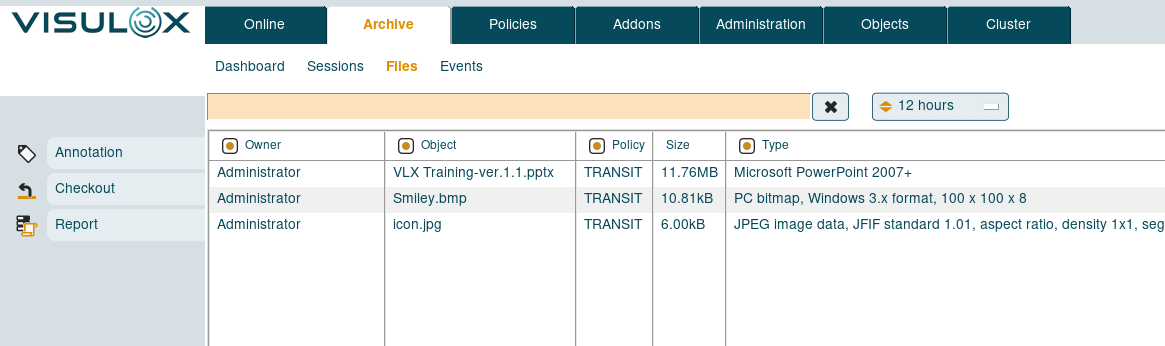
All transferred files from all users and directions are displayed with the available information.
Available features
Annotation
A remark can be added to a file by the supervisor. Remarks are shown in the events section of a selected session.Checkout
Selected files can be checked out into Transit Zone, where they can be downloaded to the client.Report
Reports can be generated for the selected files.
VISULOX Cockpit Archive / Events
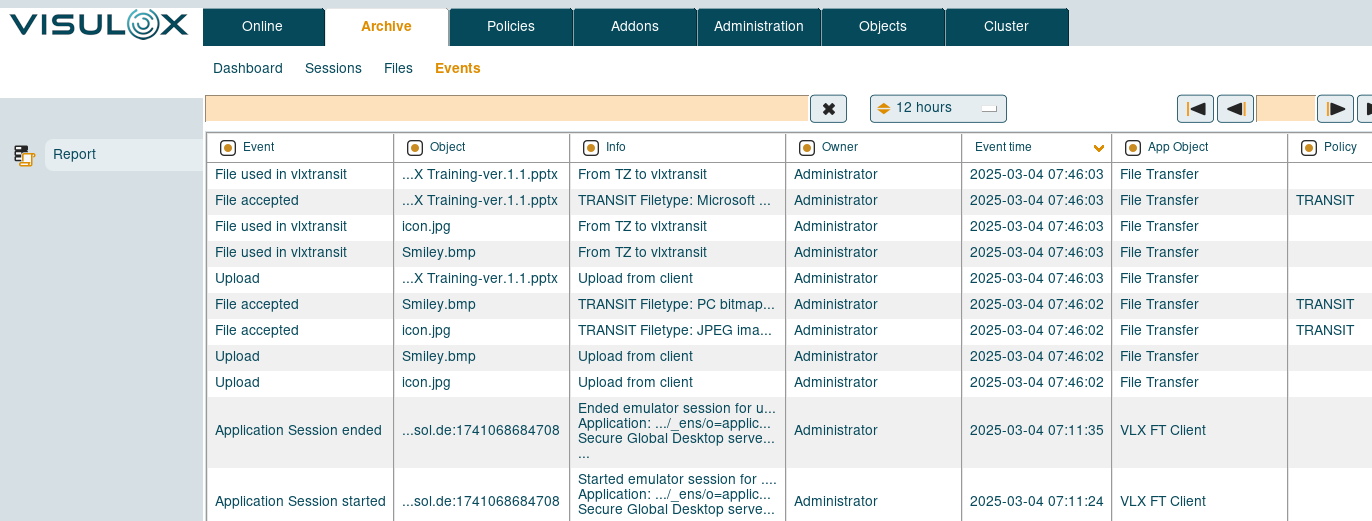
In the Events tab all VISULOX events are listed.
Available features
Report
Reports can be generated for the selected events.