How to use SSH-Keys within Command Connect / Guard and FT Client
Command Connect / Guard has the ability to launch an Xterm via SSH and File Transfer has the ability to use SSH for transferring files.
It allows SSH connections with SSH-Keys for an automatic login or with passcode protected keys.
The sshkey can either be provided from the node or from the user.
The SSH Key
The key pair generation can be done anywhere using the command ssh-keygen. The result is a private and public key. The public key part is appended to $HOME/ssh/authorized_keys on the destination server.
The private key is stored on any VISULOX Node in a directory readable by the VISULOX Group. Each key must be readable by the group.
ls -al /opt/vlxkeys/*
-r--r-----. 1 root vlxgroup 1671 Dec 21 09:27 /opt/vlxkeys/key1
-r--r-----. 1 root vlxgroup  414 Dec 21 09:27 /opt/vlxkeys/key1.pub
-r--r-----. 1 root vlxgroup 1671 Dec 21 09:27 /opt/vlxkeys/key2
-r--r-----. 1 root vlxgroup  414 Dec 21 09:27 /opt/vlxkeys/key2.pub
-r--r-----. 1 root vlxgroup 1675 Dec 21 09:27 /opt/vlxkeys/key3
-r--r-----. 1 root vlxgroup  414 Dec 21 09:27 /opt/vlxkeys/key3.pub
When CommandConnect or File Transfer requests an SSH key, the key is copied temporarily into the VISULOX Transit environment and the permission are corrected to the SSH standards (readonly by user).
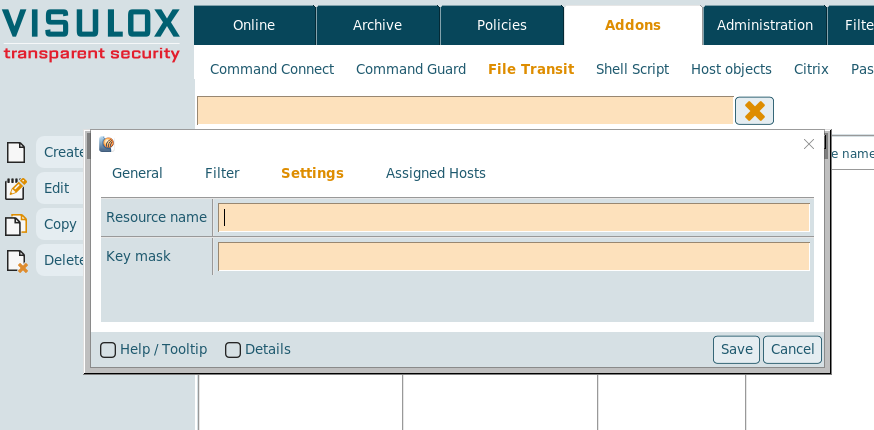
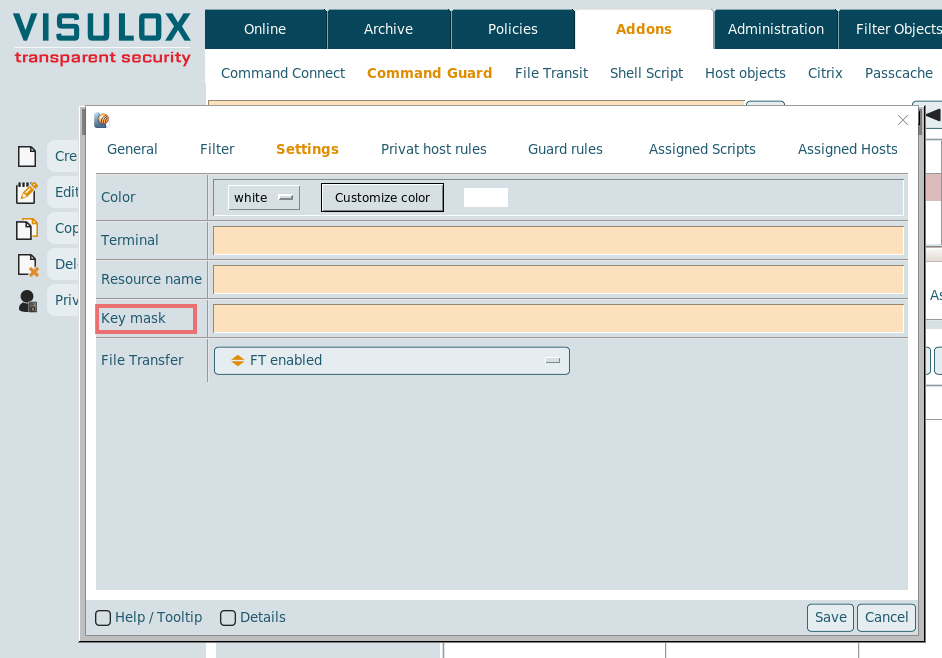
To allow a more organized addressing of SSH keys, the sshkey mask can be configured.
Command Connect / Guard and FT-Client present the keys, which are found with this mask to the user. Then the user can select the correct key. A pattern matching with placeholders (e.g. %USER%, %HOST%) is possible.
Available placeholders:
| Placeholder | Description |
|---|---|
| %HOST% | Target host |
| %USER% | Target user |
| %GROUP% | Group |
| %LOGINAME% | Login name |
| %LOGINAMEID% | md5 of the login name |
| %OWNERID% | md5 TFN (can be seen on Welcome page of the user) |
CLI examples
/opt/visulox/bin/apps/vlxftclient.tcl -sshkeymask %LOGINUSER%  -hosts root@s1
/opt/visulox/bin/apps/vlxcmdconnect.tcl -sshkeymask %LOGINUSER%  -hosts root@s1
Option -sshkey
Host Connect and File Transfer need to know, where the private key can be found.
This is handled with the option -sshkey <path1 to keyfile>, <path2 to keyfile> (Additional paths are separated via comma).
Command Connect / Guard:
File Transit Console: