
How to disable/modify the presentation of the remote IP address on the login page
On the login page information about the license and the remote IP address is presented.
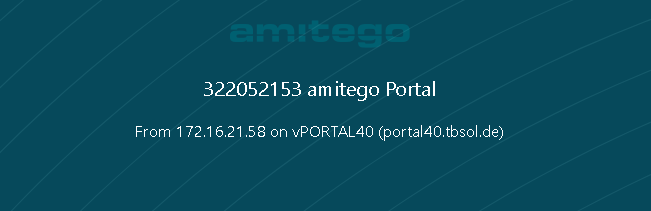
To hide this information one easy step is necessary:
CODE
visulox config edit -name portal.connection=""Example for displaying the VISULOX GATEWAY:
CODE
visulox config -name portal.connection="From %RIP% via GW%GWIPLAST% to %NODE%"