
Accessing the File Exchange web page
OverviewThe VISULOX File Exchange frontend can be reached via web access from an internal server using a browser. The user can connect to every VISULOX node, using the internal WEB browser and a known URL. The WEB Access PIN is needed to see the Transit Zone. It may be necessary to add the URL for File Exchange to the trusted sites in the browser.
|
 The File Exchange service has to be enabled by the administrator).
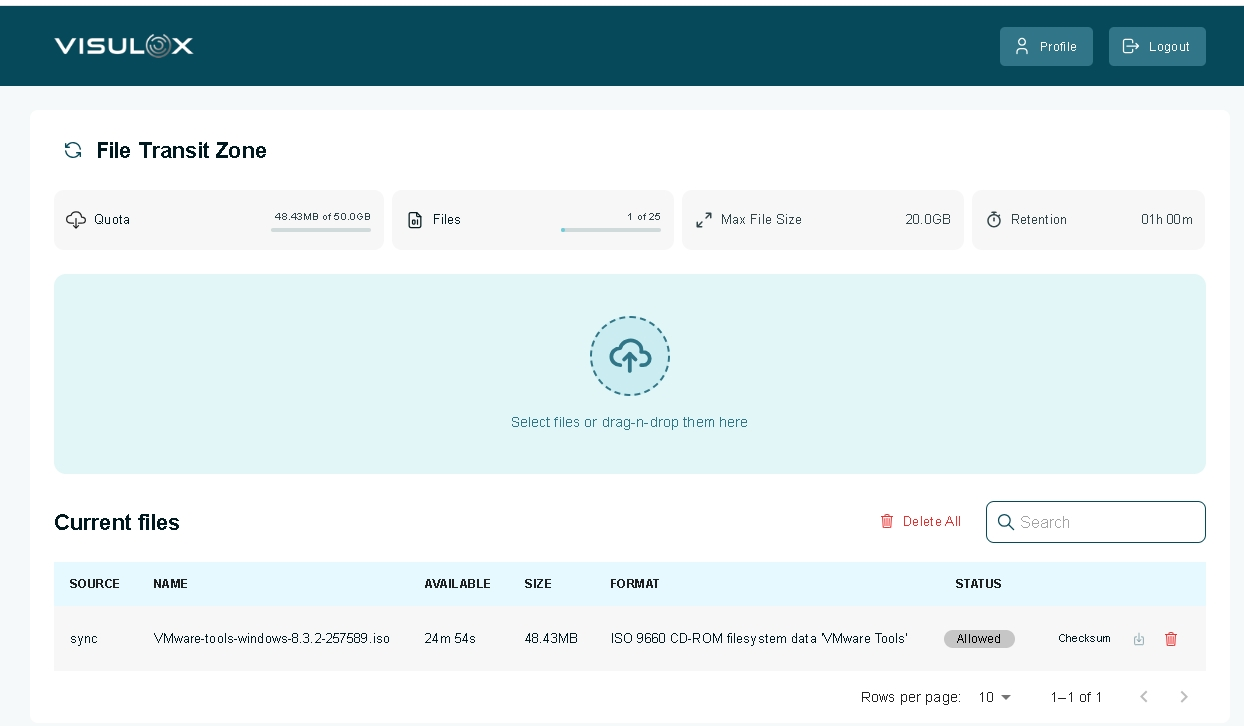
Configuration
Enable the File Exchange service
visulox config -name layout.<logical server name>.fileexchange=true
visulox restart -service monitor
File Exchange URL
Show the current configuration
visulox config list -name transit.url
    -------------------------------------------------------------------------------------------------
    | changed | key         | value                                                                 |
    -------------------------------------------------------------------------------------------------
    |         | transit.url | File Exchange URL:https://%HOST%:%SSLPORT%/transitlogin?pin=%PIN% |
    -------------------------------------------------------------------------------------------------
To change the transit.url entry it is necessary to use a backslash "\" before the ":" within the URL, because ":" is used as delimiter.
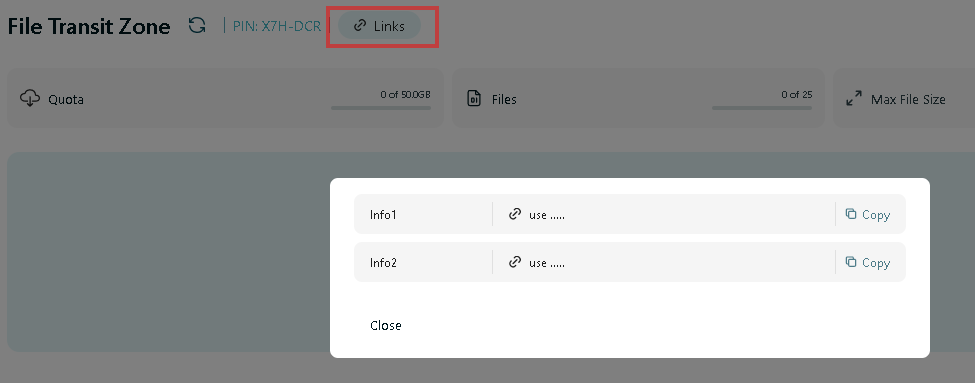
The transit URL must be known by the File Exchange users and is displayed via the Links button in Workspace / Transit Zone.
The transit URLs can be entered with the following configuration parameters:
visulox config -name transit.info
    ----------------------------------------------
    | changed | key            | value           |
    ----------------------------------------------
    |         | transit.info.0 | Info1:use ..... |
    |         | transit.info.1 | Info2:use ..... |
    |         | transit.info.2 |                 |
    |         | transit.info.3 |                 |
    |         | transit.info.4 |                 |
    ----------------------------------------------
Format of the configuration value
The value has two elements: the name, which is displayed in the selection dialog and the value of the clipboard. Both elements can have place holders.
| Placeholders | Used in | Description |
|---|---|---|
| %NODE% | name | Name of the node, where the File Transfer GUI is running |
| %HOST% | value | Physical FQDN hostname |
| %HOSTSHORT% | value | Short hostname |
| %PINFMT$ | value | Formated PIN |
| %PIN% | value | RAW format of the PIN |
| %PORT% | value | The unsecure port (if used) |
| %SSLPORT% | value | The SSL port |
| %OWNER% | value | Owner of the session |
| %OWNERID% | value | Owner ID |
| %OWNERSHORT% | value | Short form of the owner |
More configuration options
visulox config -name fileexchange. -info

    --------------------------------------------------------------------------------------------------------------------------------------------
    | changed | key                     | value                         |                            shortinfo |                  defaultvalue |
    --------------------------------------------------------------------------------------------------------------------------------------------
    |         | fileexchange.accesslog  |                               |                            accesslog |                               |
    |         | fileexchange.banner     | %LICENSE%                     |     Banner line on fileexchange page |                     %LICENSE% |
    |         | fileexchange.cafile     |                               |               CA for transit service |                               |
    |         | fileexchange.certfile   | visulox.self.pem              |     ssl certfile for transit service |              visulox.self.pem |
    |         | fileexchange.connection | From %RIP% on %NODE% (%HOST%) | Connection line on fileexchange page | From %RIP% on %NODE% (%HOST%) |
    |         | fileexchange.interface  | 0.0.0.0                       |    interface for incomming requestes |                       0.0.0.0 |
    |         | fileexchange.keyfile    | visulox.self.key              |      ssl keyfile for transit service |              visulox.self.key |
    |         | fileexchange.port       |                               |                  the listening ports |                               |
    |         | fileexchange.sslport    | 1443                          |                  the listening ports |                          1443 |
    --------------------------------------------------------------------------------------------------------------------------------------------