
Transit Policy
General
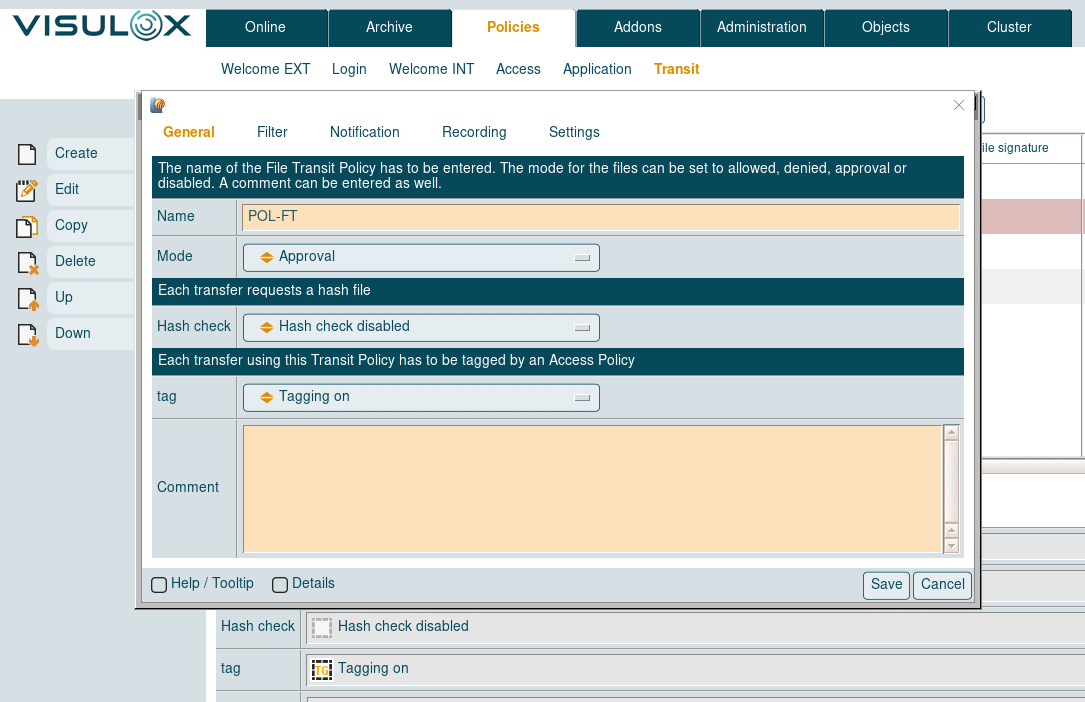
A Transit Policy starts with a primary policy tag, which sets the behaviour of the policy:
| Primary policy tags | Description |
|---|---|
| Ignored | Ignore this policy. |
| Allowed | File transfer is allowed |
| Denied | File transfer is denied |
| Approval | File transfer needs approval |
| Passon | Transfer via passon script |
| Passon with approval | After approval file is passed on |
Hash check can be enabled or disabled.
Uploaded files matching the policy with hash check enabled will get the status "Wait for hash file" in the Transit Zone.
Such files can only be processed, if a valid hash file is uploaded into the Transit Zone as well.
A comment can be entered as well.
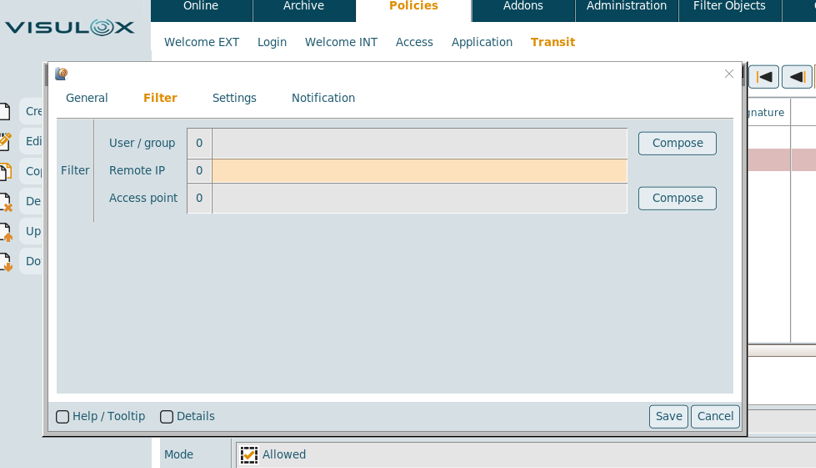
Filter
The Transit Policy filter applies on a user / group, the remote IP of the user's connection and / or the access point, from where the user logs in.
Notification
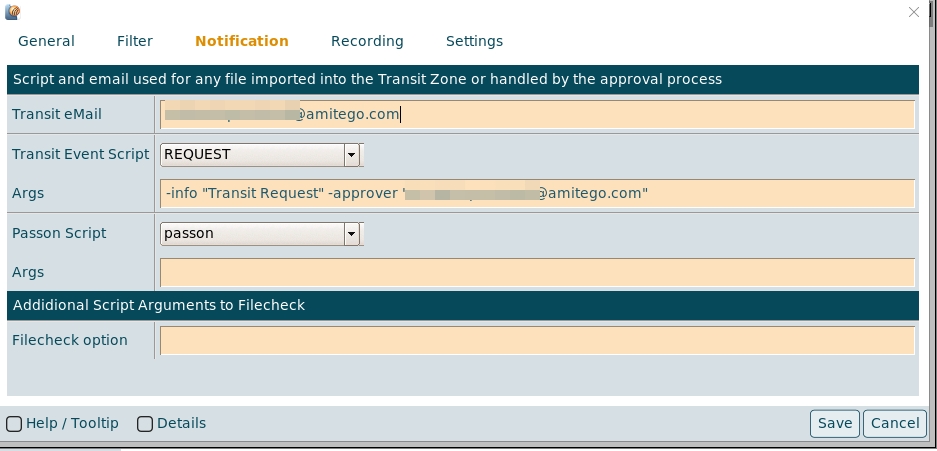
An eMail address for the notification can be set and the notification / request script can be selected, that will be triggered, if a file is imported into Transit Zone.
In the case of a passon configuration, the passon event script can be chosen as well.
Arguments for the Transit Event and Passon script can be entered in the according Args field.
Depending on the underlying script, the format of the arguments can be: -arg -arg1 -arg2 <>
The file check can be enabled/disabled for certain files / users addressed in the policy.
Additional script arguments can be set for the file check script.
During import of a file into the VISULOX Transit Zone the file is checked by /opt/visulox/tools/filecheck.sh.
The first argument is the file to be checked, the scripting Filecheck option is added (usage: arg1 arg2 ...).
Within the filecheck.sh script these parameters can be used.
Recording
Recording set to "Recording off" is useful for larger files.
With this setting, the files will not be copied to the VISULOX File Store
Settings
The direction of the transfer has to be entered: in / out of the Transit Zone or in both directions.
The maximum size of the transferred files, the endpoint and the file type (mime type from "file") can also be configured.
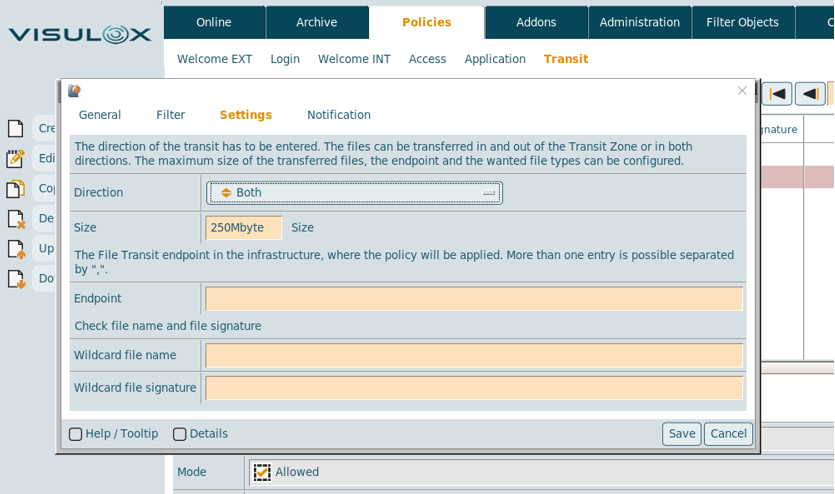
If an endpoint is set, the policy takes effect immediately, if a file is transferred from the infrastructure to the Transit Zone.
If a file is transferred from a client into the Transit Zone it will be in the state "Conditionally accepted". Then the policy will be applied if this file is transferred to an endpoint.
For more than one endpoint "," is used as a separator. The filename and/or the file signature can be set with wildcards.