How to use Unix user profiles
It is possible for Unix users to login via a Unix user profile without having a configured personal profile in VISULOX Portal.
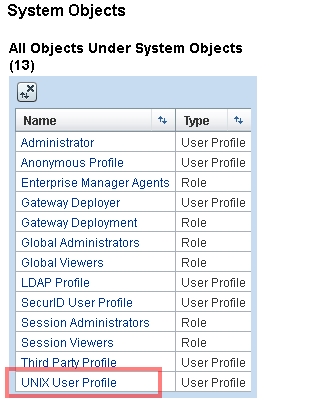
Therefore the Unix user profile has to be enabled:
CODE
visulox-portal object edit --name "o=tarantella system objects/cn=unix user profile" --enabled 1Unix users are in the group: LOCAL_PAM_USER. This group can be used in VISULOX policies.
To assign applications to the Unix users, the UNIX User Profile has to be selected in the VISULOX Portal Console.