Custom application icons
Individual customized icons can be assigned to applications via the VISULOX Portal Console.
First the new custom icons have to be copied to:
CODE
/opt/visulox/setup/portal/icons/
The icons must be in .gif format and the size has to be not larger than 30x30 pixels.

After copying the new icon, the visulox portal attach command must be executed once.
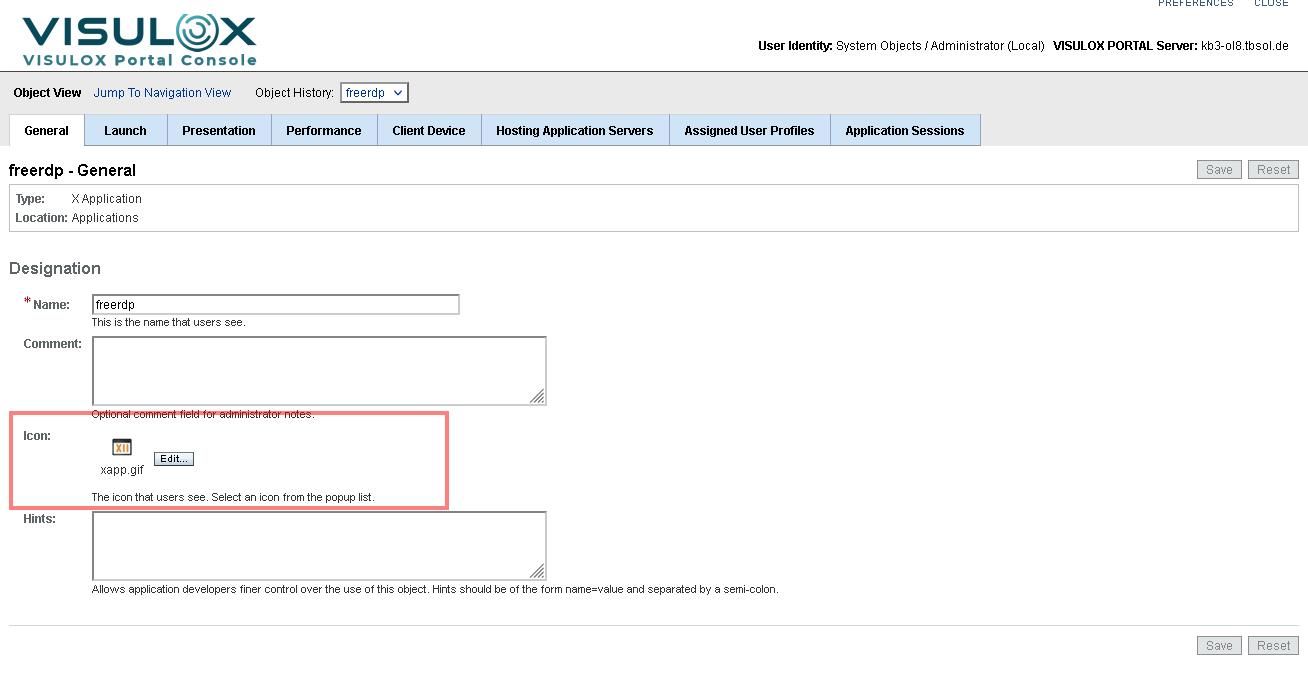
Than the icon has to be assigned to the application in the VISULOX Portal Console: