
VISULOX File Transit and Sophos Endpoint Security and Control
Overview
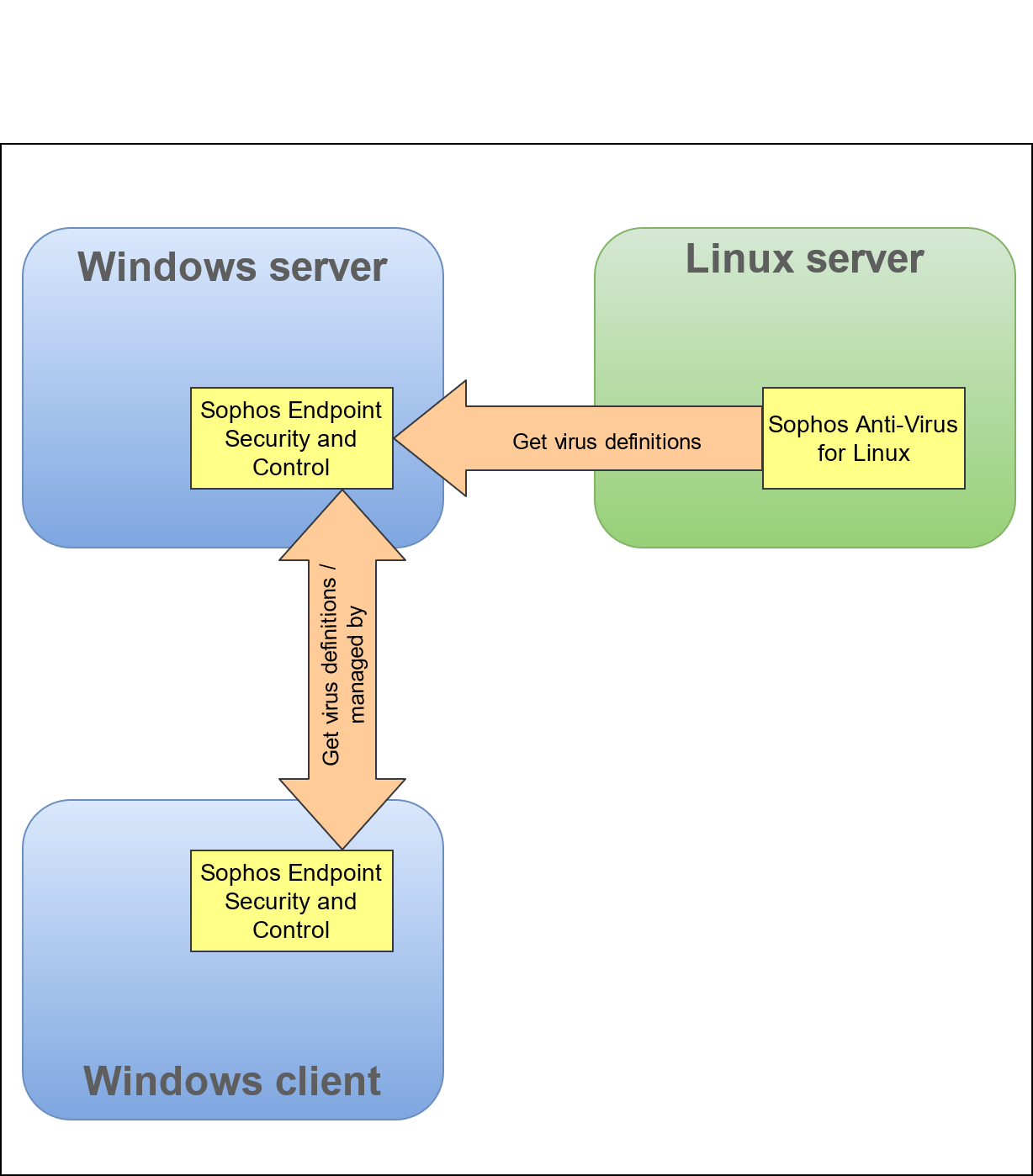
The Sophos Endpoint Security and Control product can be Installed on a Windows server. On a Linux server Sophos Anti-Virus for Linux (SAVL) is needed.
SAVL can now use the Windows server to update the local virus definitions. If no Windows server should be used, SAVL can get the definitions directly from Sophos itself.
To check a file the local SAVL check program is called. Based on the return code, the file is released or in quarantine.
Installation
If the product is bought or a trial version is connected to the MySophos account, the installation guide for Sophos Anti-Virus for Linux can be found on the MySophos website.
tbsSophos.sh
BASH
#!/bin/bash
name=`basename "$1"`
# Return value
rtn=0

scanresult=`/opt/sophos-av/bin/savscan -ss -archive $1`
# catch the error NOW !!
if [ "$?" != "0" ]; then
	rtn=1
fi
out=$(echo $scanresult | sed "s/.*Virus '\([^']*\)'.*/\1/")
echo "Virus $out"
exit $rtn