
Example: Manual recording
General
Manual Recording can be enabled via control panel by the application user himself.
Manual recording within the application
- User Miller starts the "VLX Jump Shell" application.
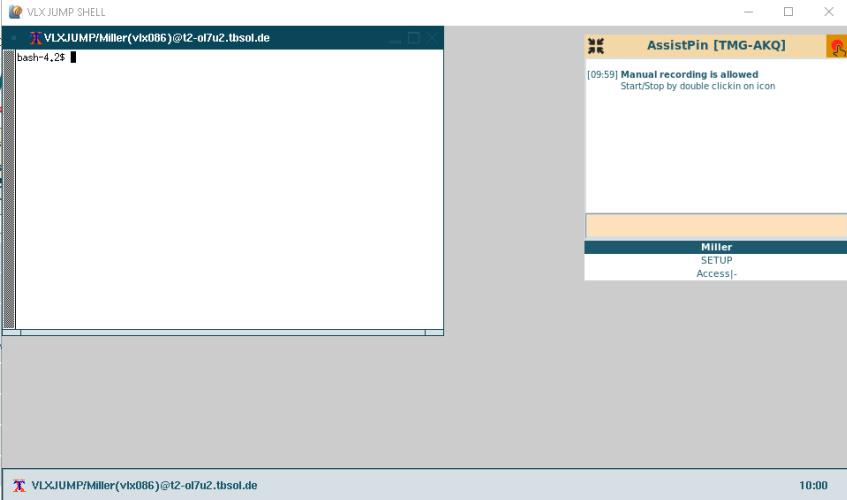
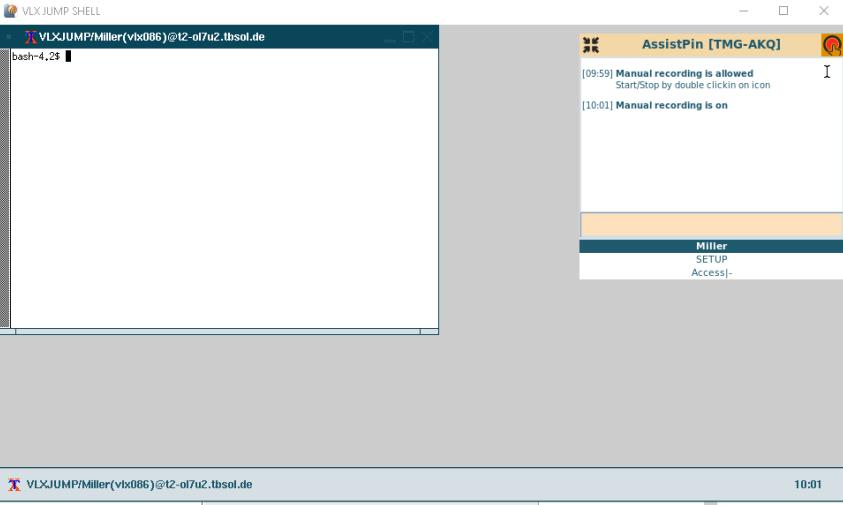
Miller enables manual recording in his control panel with double click on the recorder icon (upper right corner):
Disable manual recording
The manual recording checkbox in the control panel can be removed to prevent users recording their own sessions.
CODE
visulox config -name recorder.manually=0
    ---------------------------------------------------
    | changed | parameter         |      type | value |
    ---------------------------------------------------
    |         | recorder.manually | OPERATION | 0     |
    ---------------------------------------------------
Manual recording check list with additional tests
| Feature | Expected behaviour | Comment |
|---|---|---|
| Manual recording |
| |
| Events |
|